
 ZipFlow Docs
Claude Code
Unleash Claude’s raw power directly in your terminal. Search million-line codebases instantly. Turn hours-long workflows into a single command. Your tools. Y...


Project Introduction
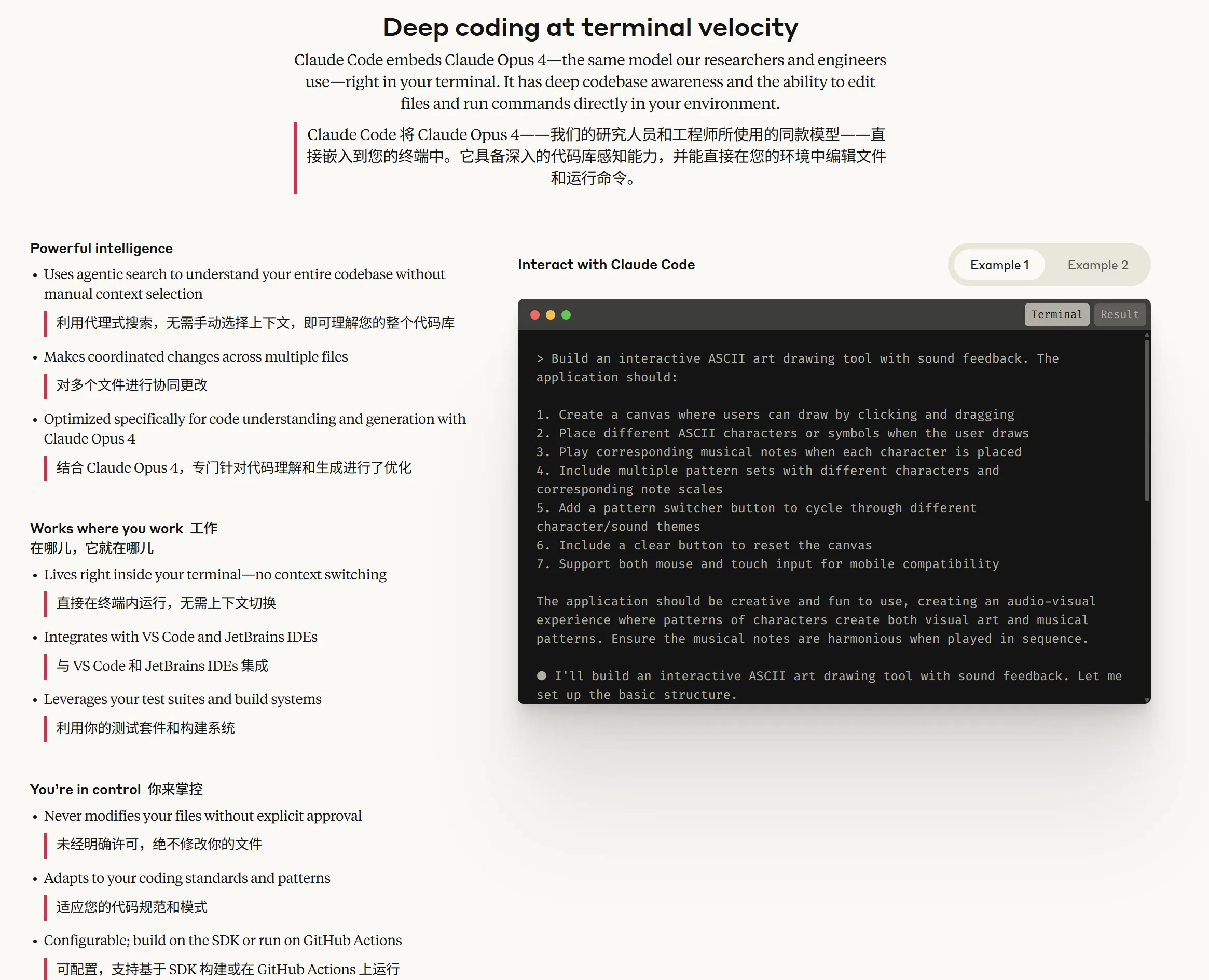
Unleash Claude’s raw power directly in your terminal. Search million-line codebases instantly. Turn hours-long workflows into a single command. Your tools. Your workflow. Your codebase, evolving at thought speed.
直接在你的终端中,释放 Claude 的强大威力。瞬间搜索百万行代码库。将数小时的工作流化为一条命令。你的工具。你的工作流。你的代码库,以思维速度进化。
- Official Homepage: https://www.anthropic.com/claude-code
- Installation Method: See the tutorial below on this page
Demonstration
Features
| Function Category | Feature |
|---|---|
| Code Understanding | - Deep codebase analysis, utilizing intelligent agents to search and understand project structure and dependencies |
| - Automatically generate high-level code overviews, quickly helping users understand the codebase | |
| Code Editing | - Supports multi-file collaborative editing, suitable for complex code modifications |
| - Provides practical and usable code suggestions that conform to project patterns and architecture | |
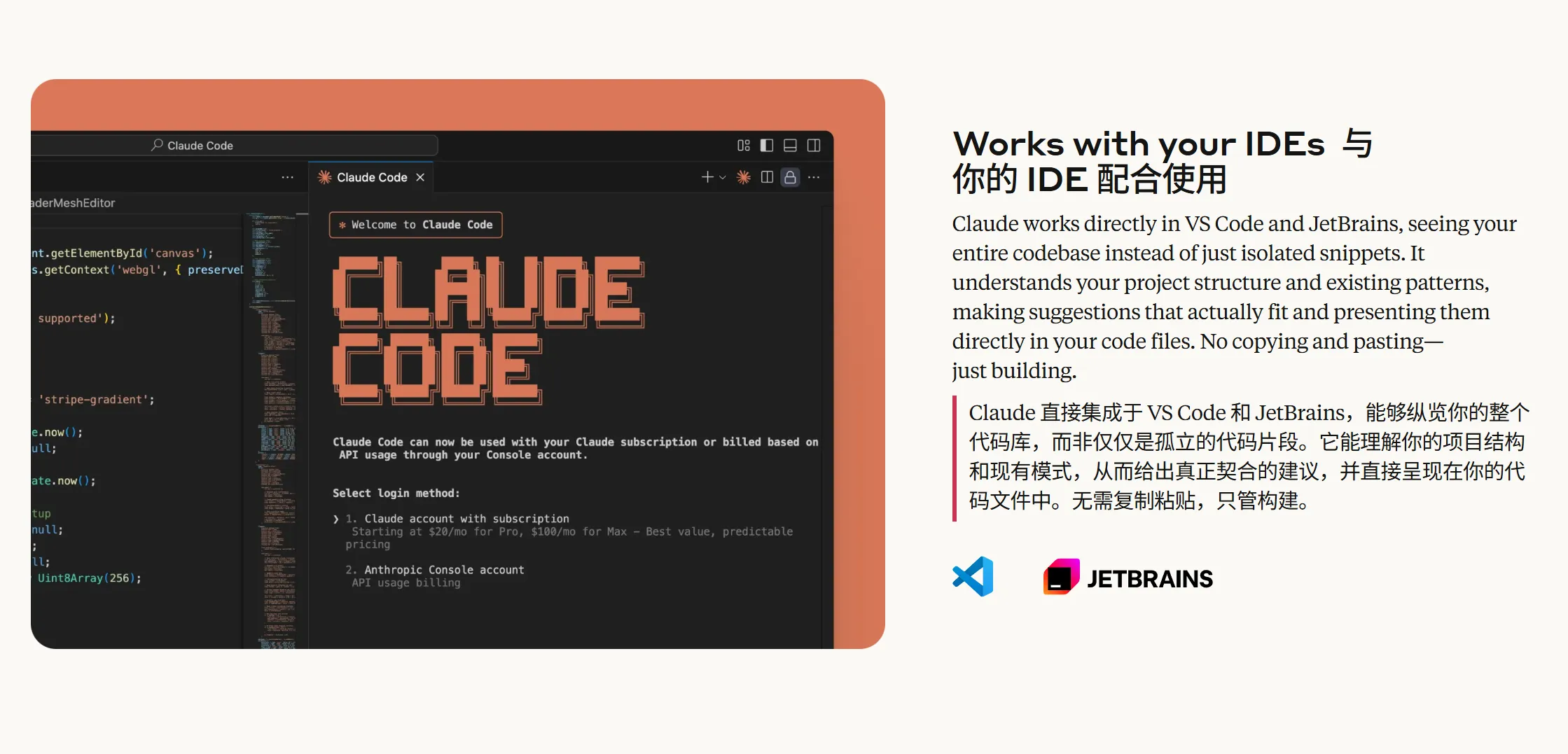
| Integration Capabilities | - Supports direct execution in the terminal without context switching |
| - Seamless integration with VS Code and JetBrains IDEs, eliminating the need for copy-pasting | |
| Code Generation and Optimization | - Automatically generate code, create tests, fix errors, supporting the complete workflow from concept to commit |
| - Optimized for code generation and understanding, incorporating advanced models like Claude Opus 4 | |
| Security and Flexibility | - Changes require explicit user authorization, making file and command operations safer |
| - Adapts to user code standards and supports custom configuration | |
| Toolchain Integration | - Supports integration with tools like GitHub and GitLab to achieve automated workflows |
| - Integrates with testing suites and build systems, enhancing existing development tools | |
| Cross-Platform and Extensibility | - Supports Windows, macOS, and Linux operating systems |
| - Configurable to run in SDKs or GitHub Actions, flexibly adapting to different requirements | |
| Primary Use Cases | - Codebase onboarding and understanding, rapid ramp-up for new members |
| - Code issue fixing and optimization workflow, from problem analysis to PR submission | |
| - Project code refactoring and new feature implementation | |
| User Feedback Highlights | - Improves daily development efficiency, saving time spent on routine tasks |
| - Excellent performance in handling complex multi-step tasks, expanding development possibilities |
AI Model Configuration Method
Windows Graphical Guide
1. Install Node.js Environment
Claude Code requires the Node.js environment to run.
Node.js Environment Installation Steps
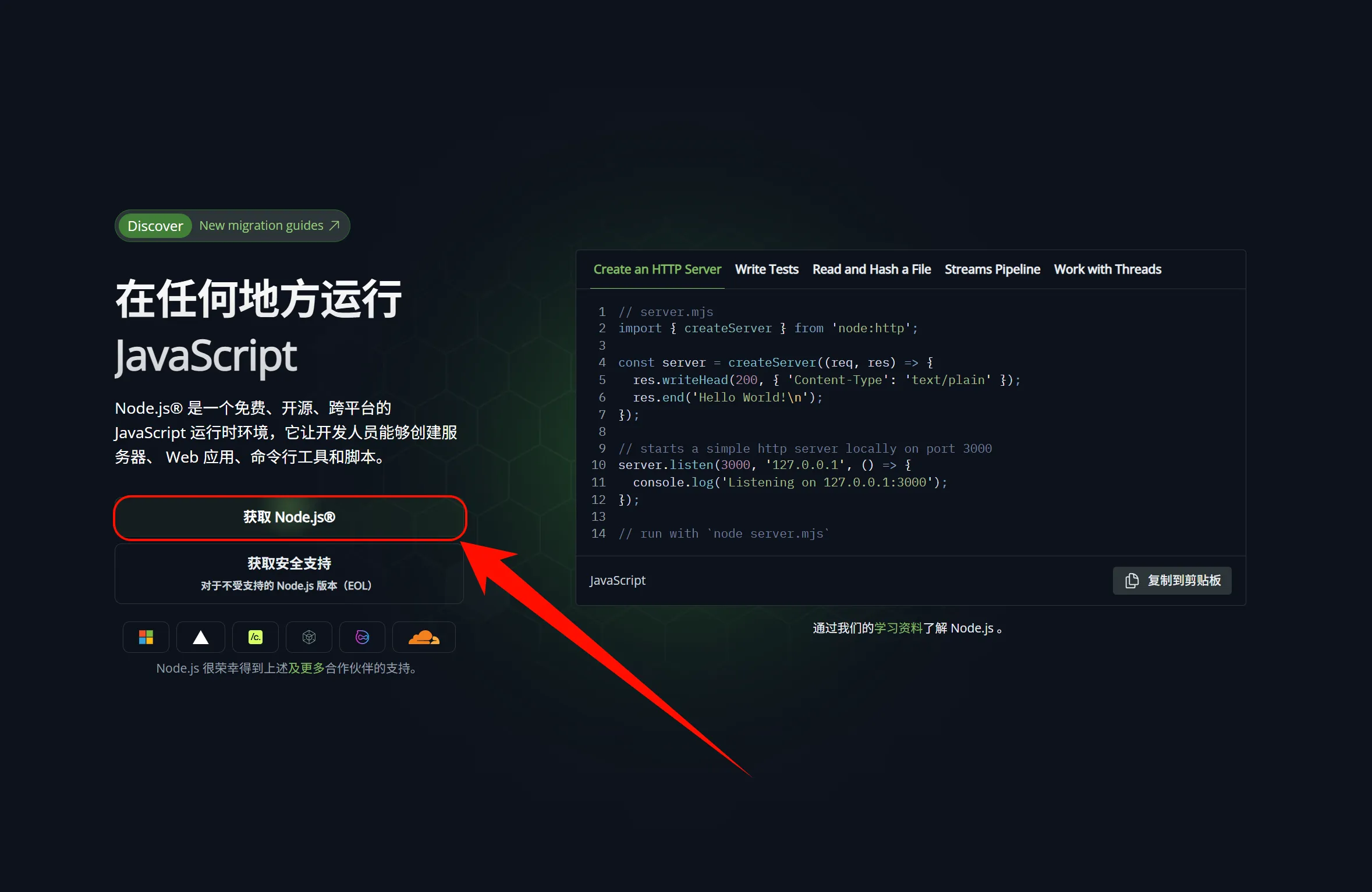
- Open your browser and visit https://nodejs.org/
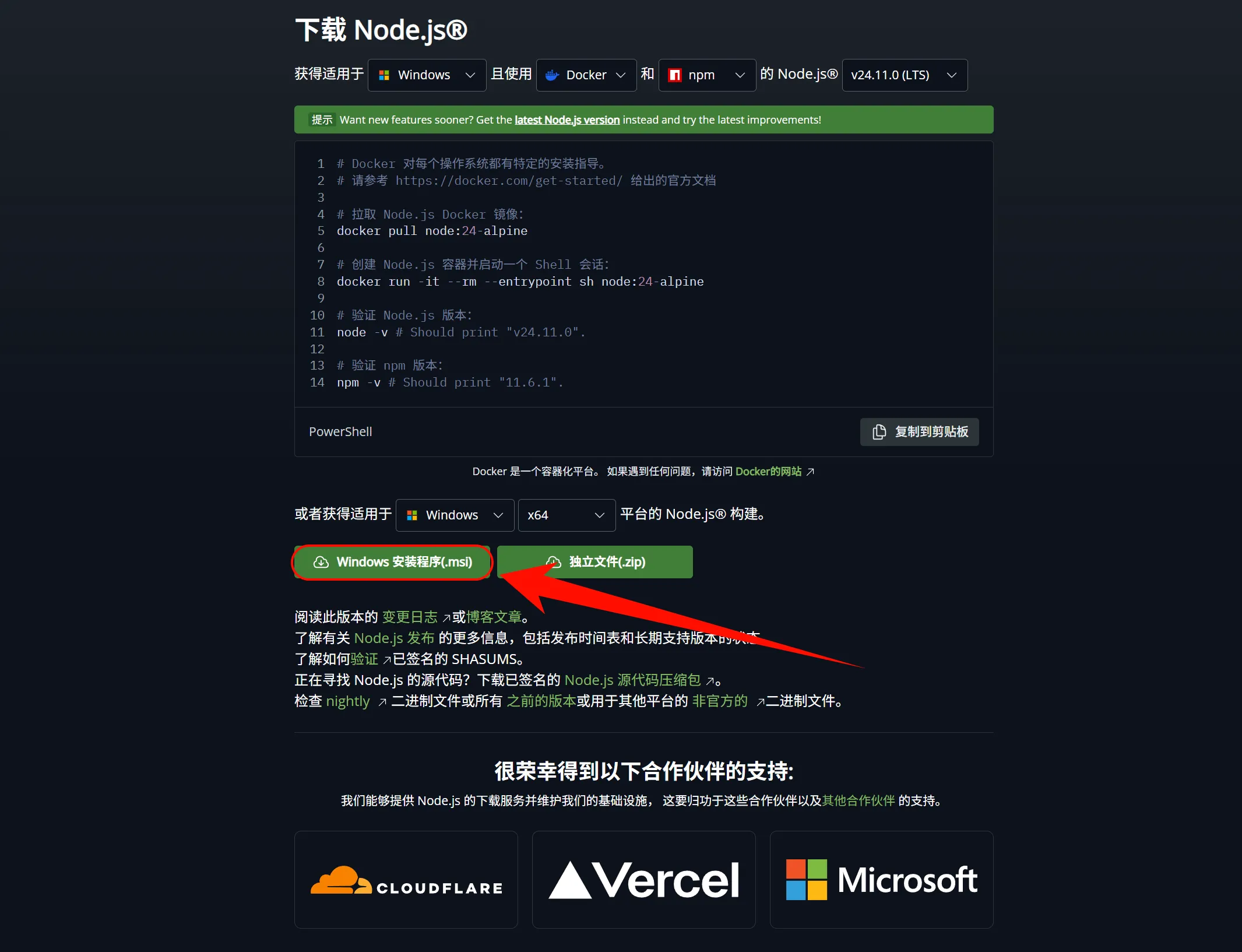
- Click to download the "LTS" version (Long-Term Support version recommended)
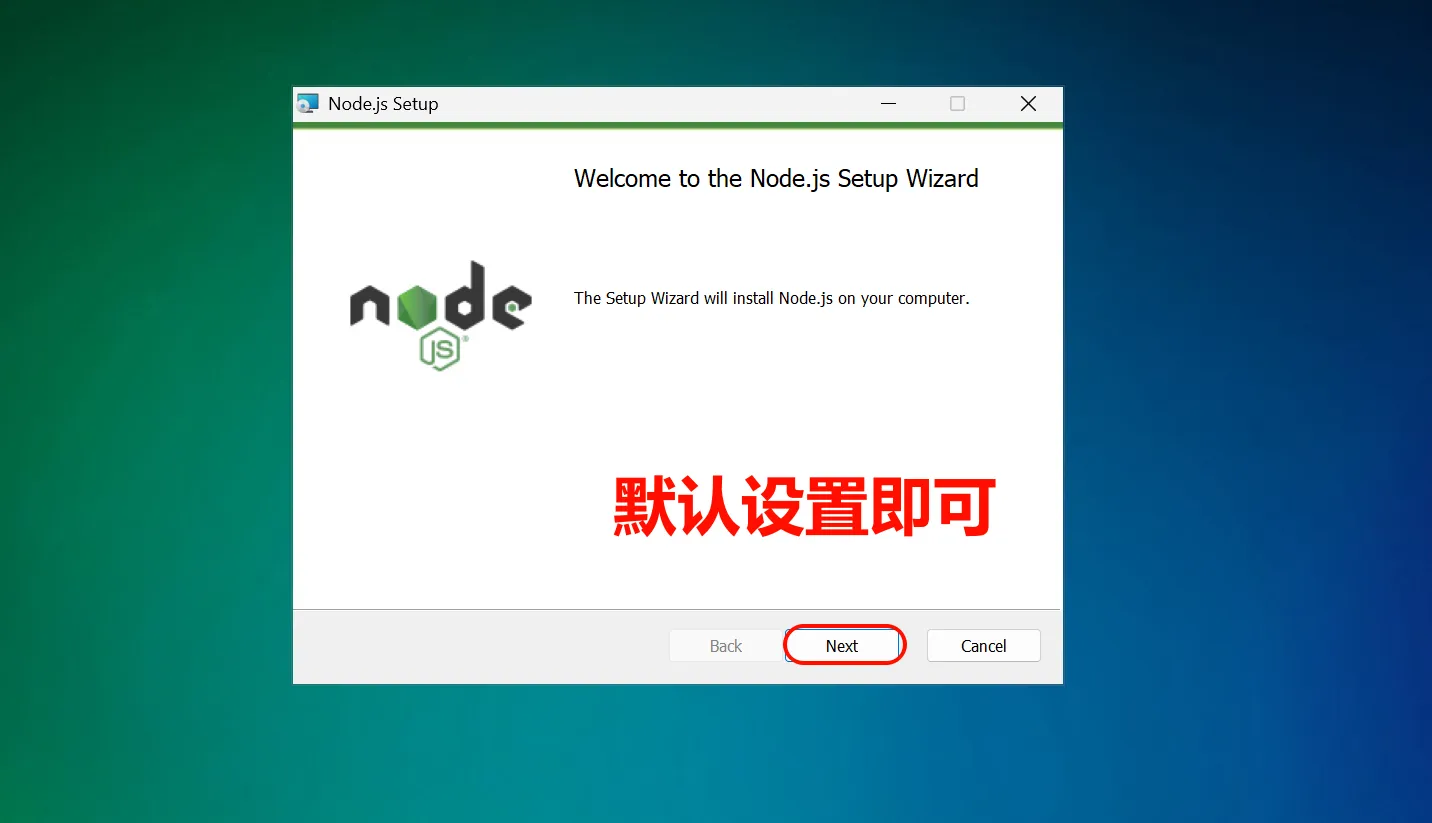
- After the download is complete, double-click the .msi file
- Follow the installation wizard to complete the installation, keeping the default settings
Windows Notes
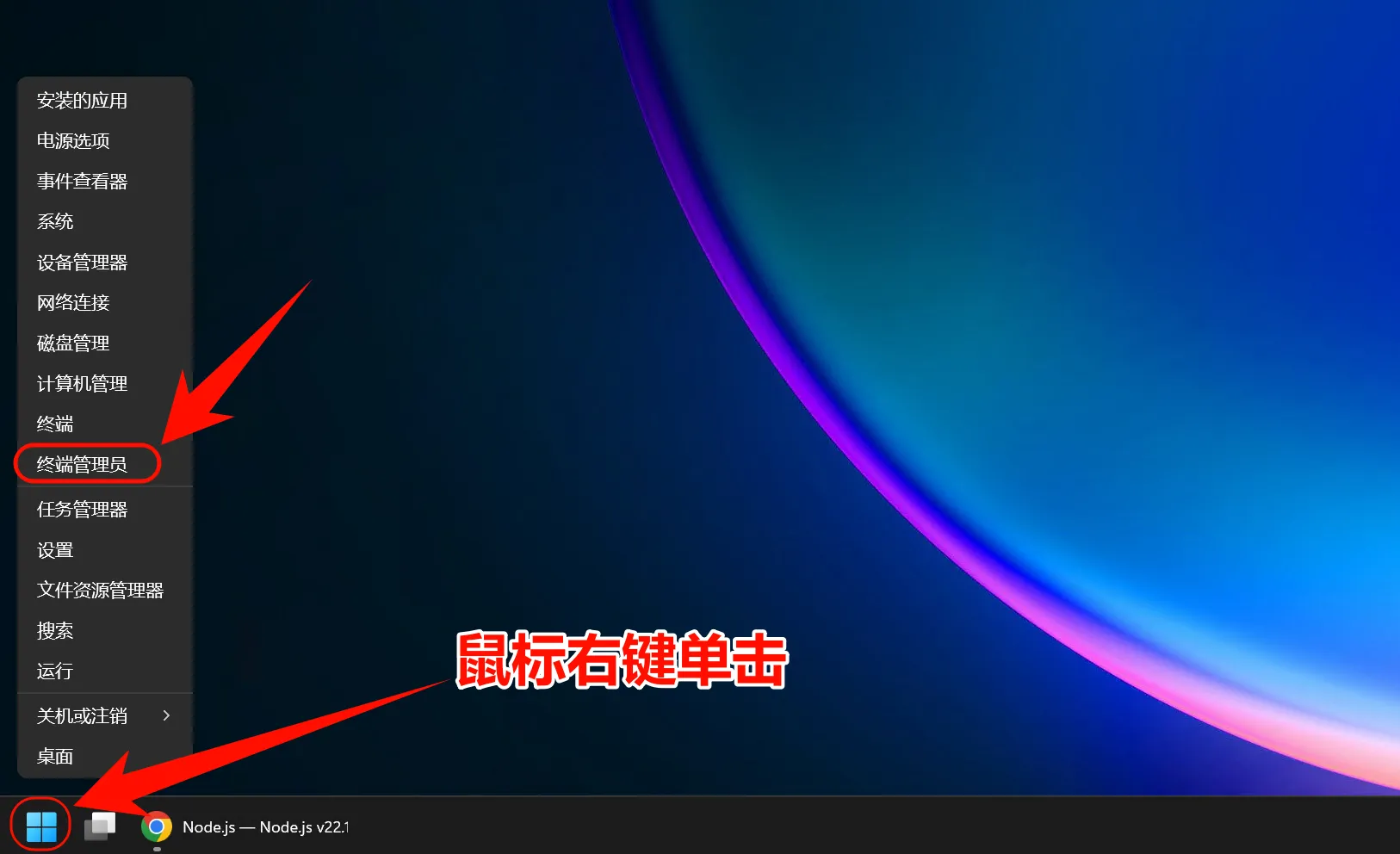
- It is recommended to use PowerShell instead of CMD
- If you encounter permission issues, try running as administrator
- Some antivirus software may flag it incorrectly; you might need to add it to a whitelist
Verify Successful Installation
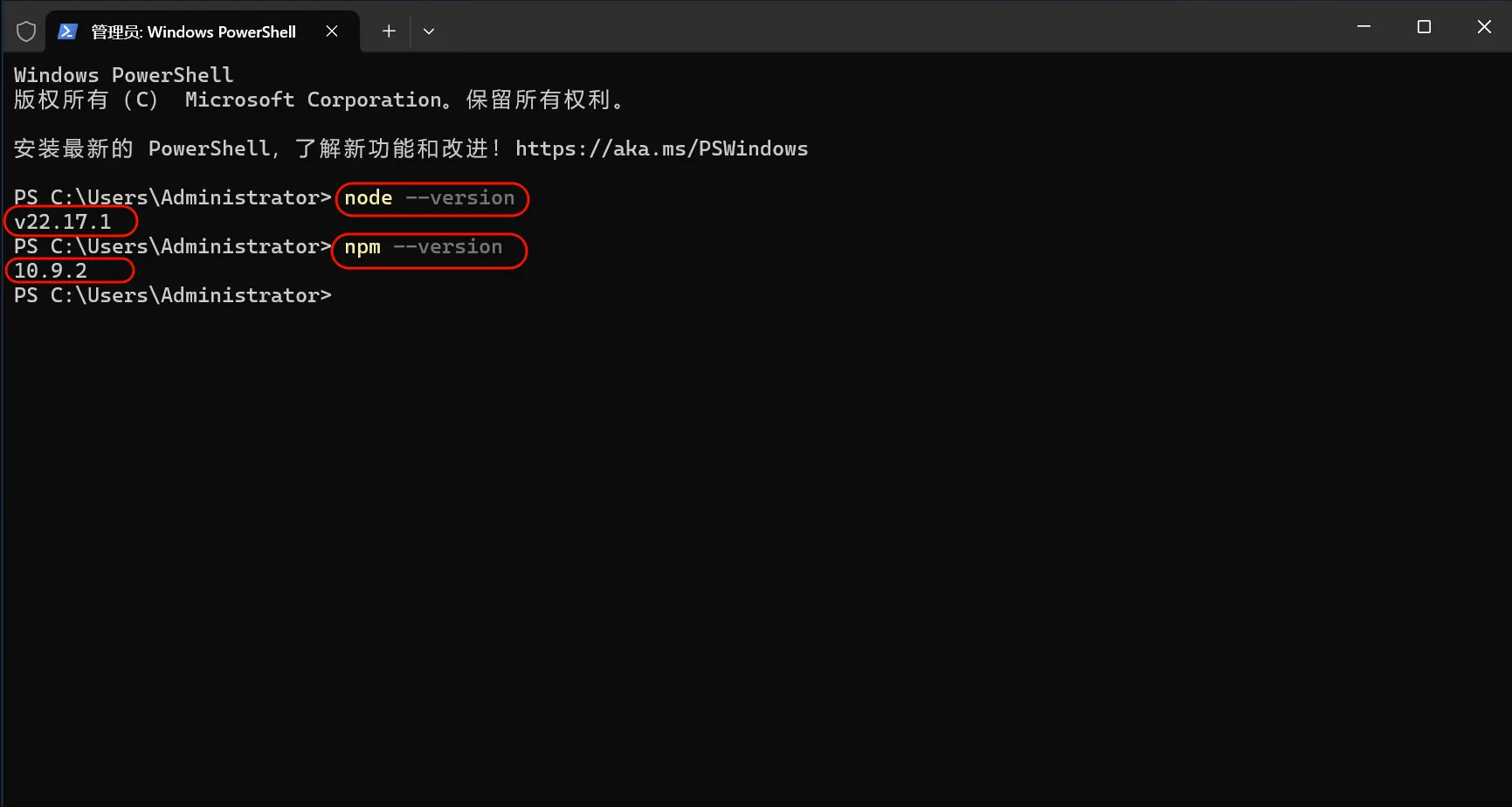
After installation is complete, open PowerShell or CMD and enter the following commands:
node --version
npm --version
If the version number is displayed, the installation was successful
2. Install Git Bash
Windows Notes
In the Windows environment, Git Bash is required to install Claude Code. After installation, environment variable setup and using Claude Code should still be done in standard PowerShell or CMD.
Download and Install Git for Windows
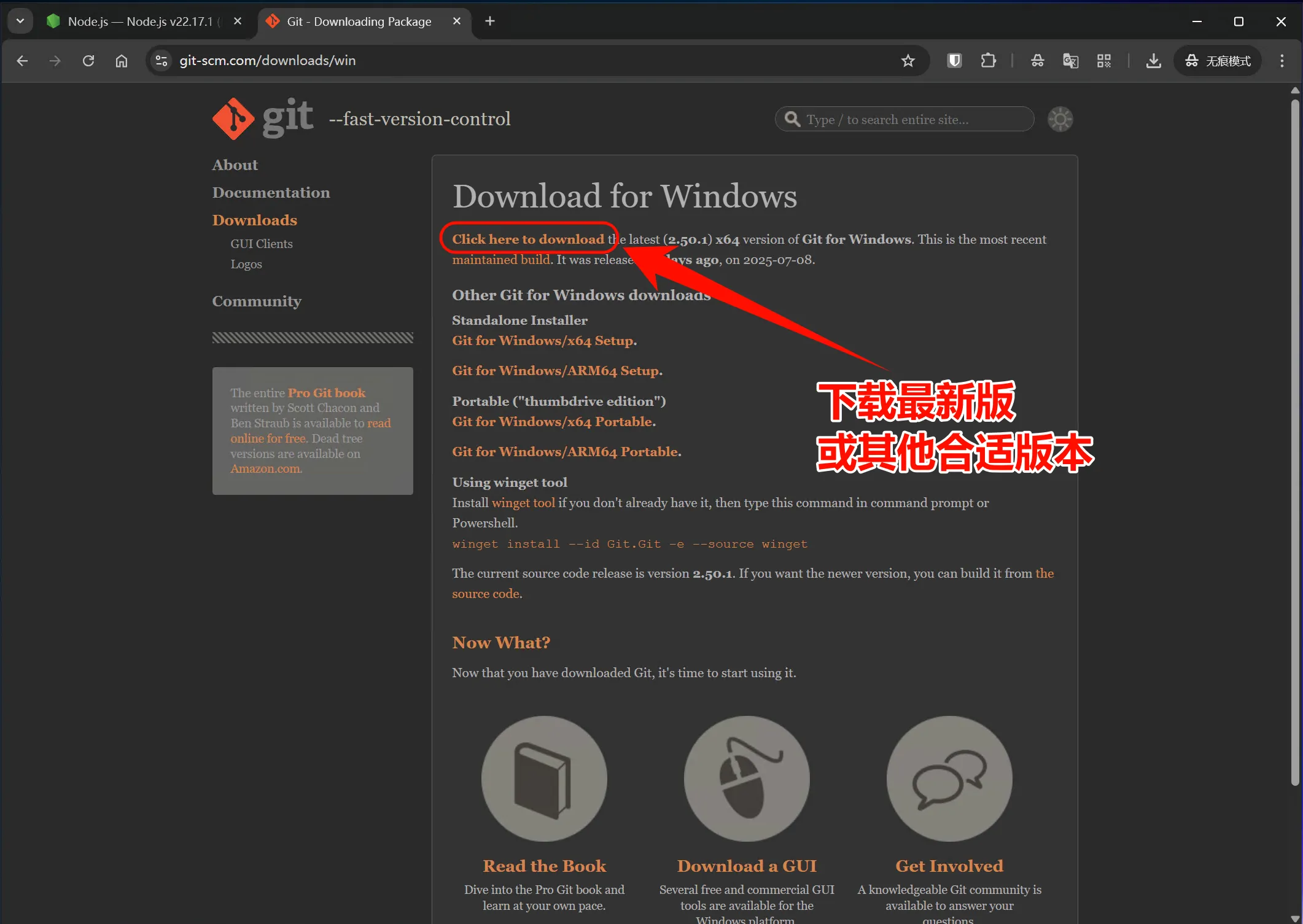
- Visit https://git-scm.com/downloads/win
- Click "Download for Windows" to download the installer
- Run the downloaded .exe installation file
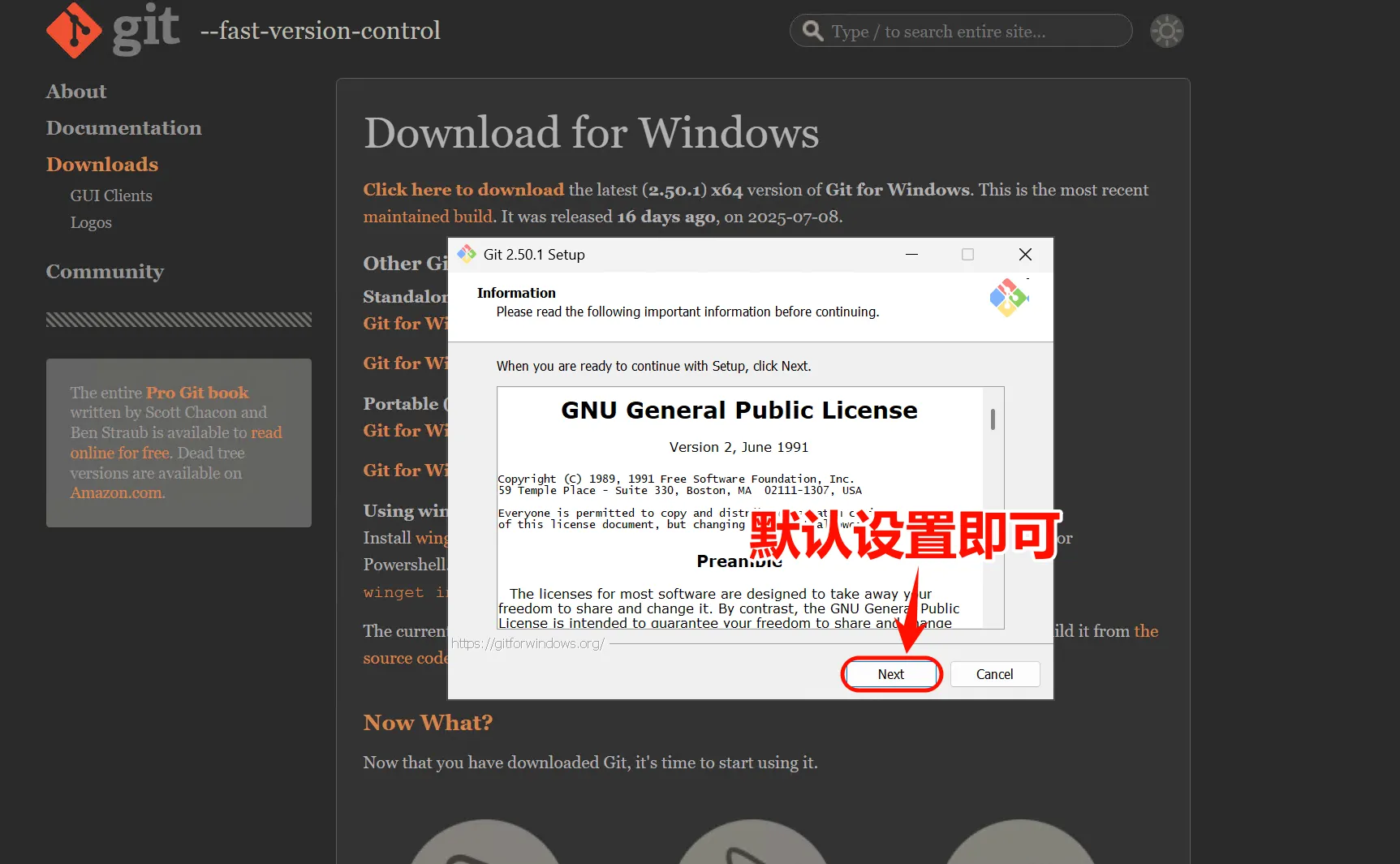
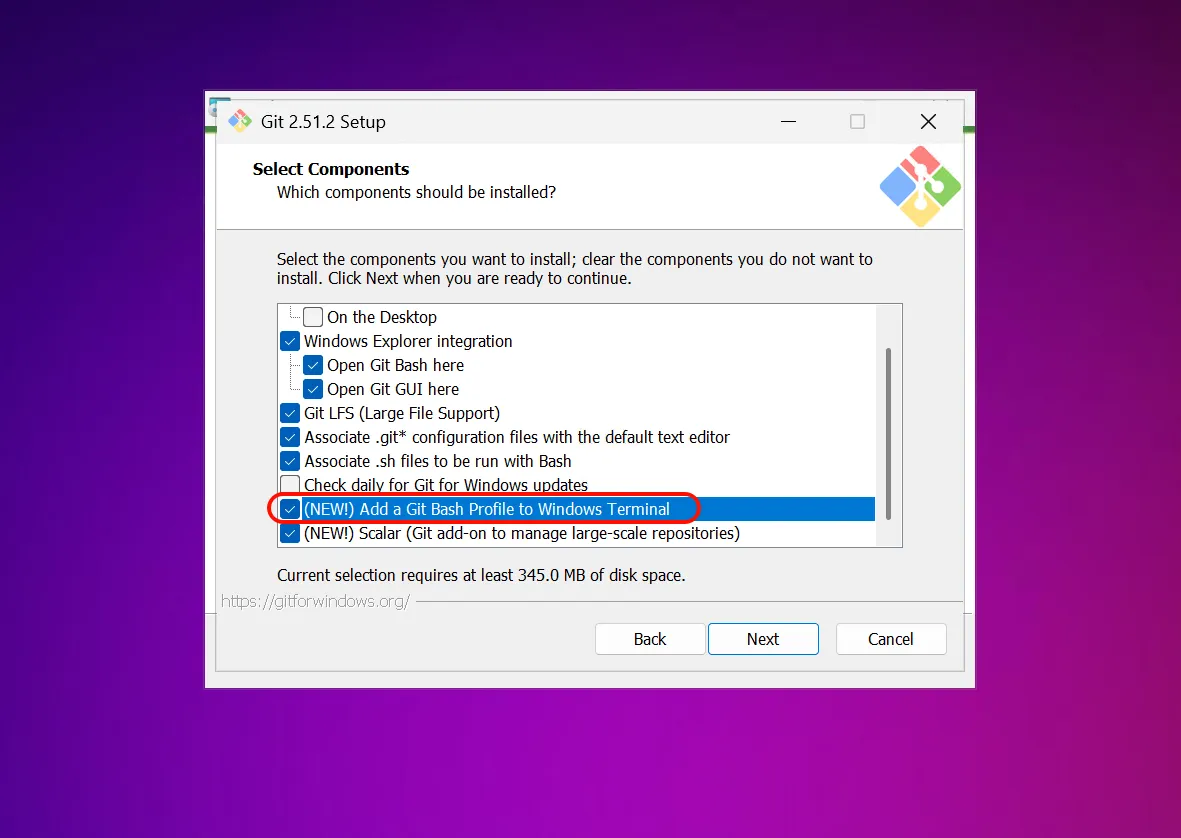
- Keep the default settings during the installation process and click "Next" to complete the installation
Verify Git Bash Installation
After installation is complete, open Git Bash and enter the following command to verify:
git --versionIf the version number is displayed, the installation was successful
3. Install Claude Code
Install Claude Code
Open PowerShell and run the following command:
npm install -g @anthropic-ai/claude-codeThis command downloads and installs the latest version of Claude Code from the official npm repository.
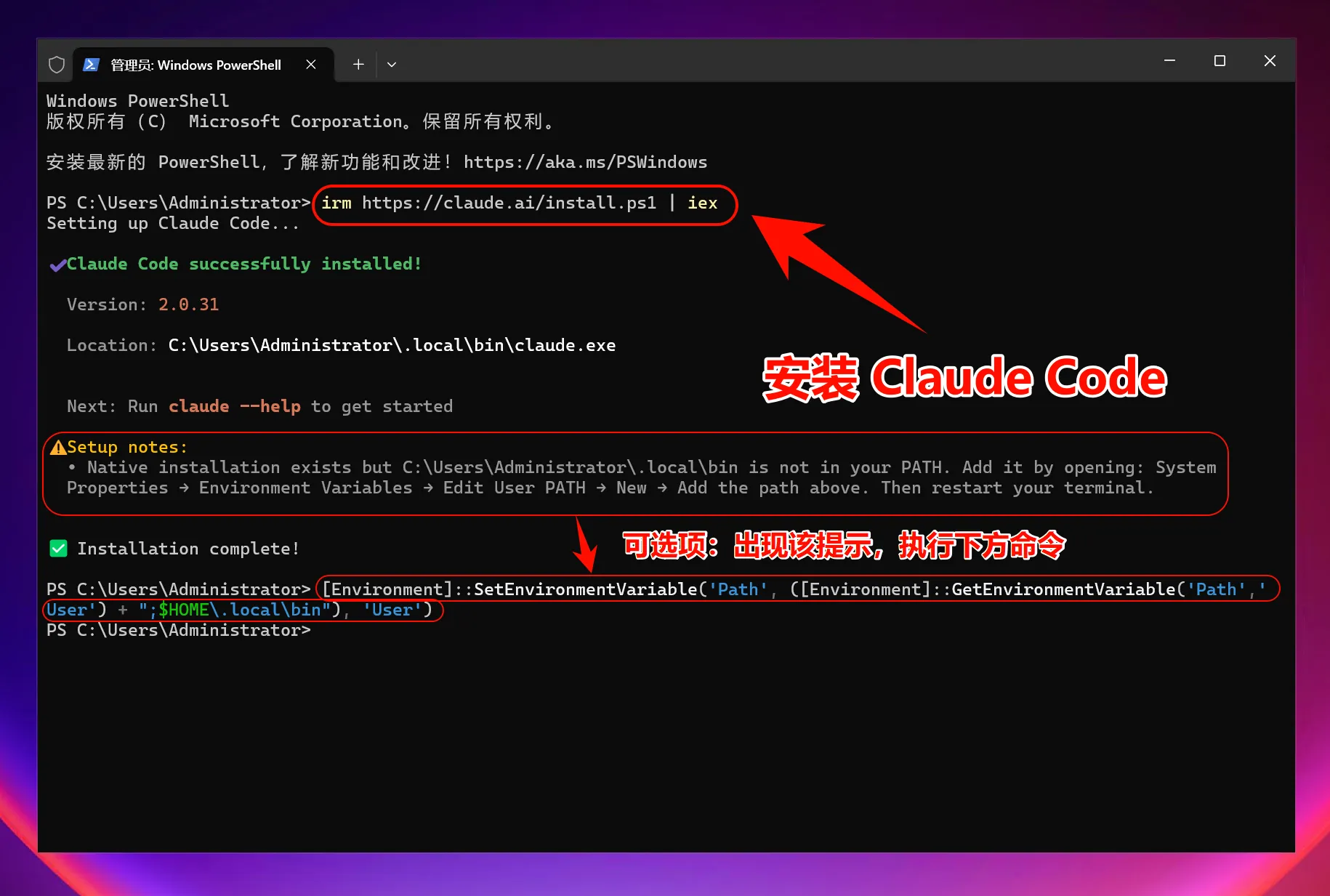
Add ~/.local/bin to PATH (Only if prompted)
[Environment]::SetEnvironmentVariable('Path', ([Environment]::GetEnvironmentVariable('Path','User') + ";$HOME\.local\bin"), 'User')Verify Claude Code Installation
After installation is complete, enter the following command to check if the installation was successful:
claude --versionIf the version number is displayed, congratulations! Claude Code has been successfully installed.
4. Set Environment Variables
One-Click Setup Command (Windows System)
To allow Claude Code to connect to your service, you need to set multiple environment variables:
iex (irm 'https://raw.githubusercontent.com/QuantumNous/zipflow-docs/refs/heads/main/helper/claude-cli-setup.ps1')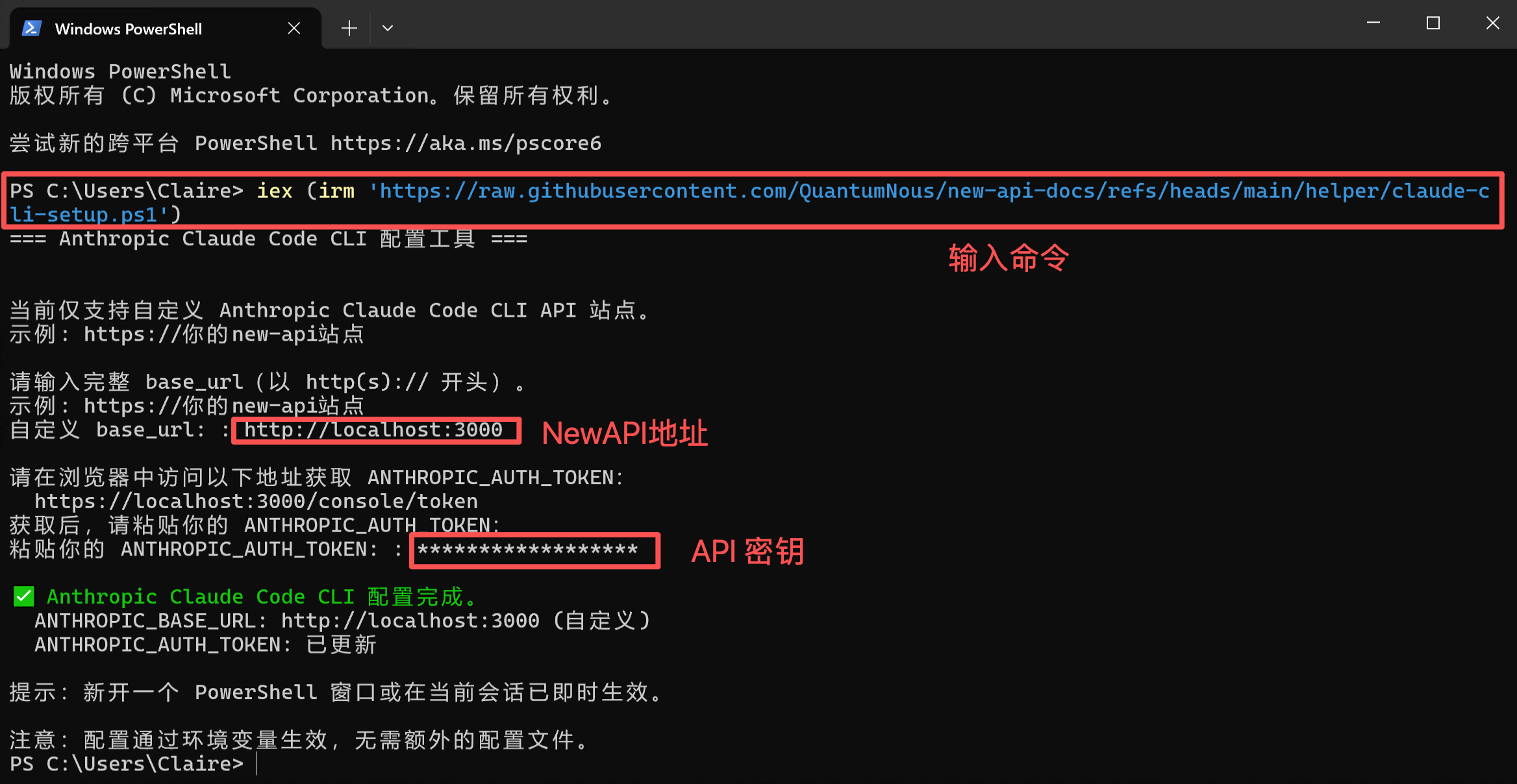
5. Start Using Claude Code
You can now start using Claude Code!
Launch Claude Code
Open PowerShell and launch Claude Code directly:
# 启动 Claude Code
claude
To use in a specific project:
# 进入你的项目目录
cd C:\path\to\your\project
# 启动 Claude Code
claude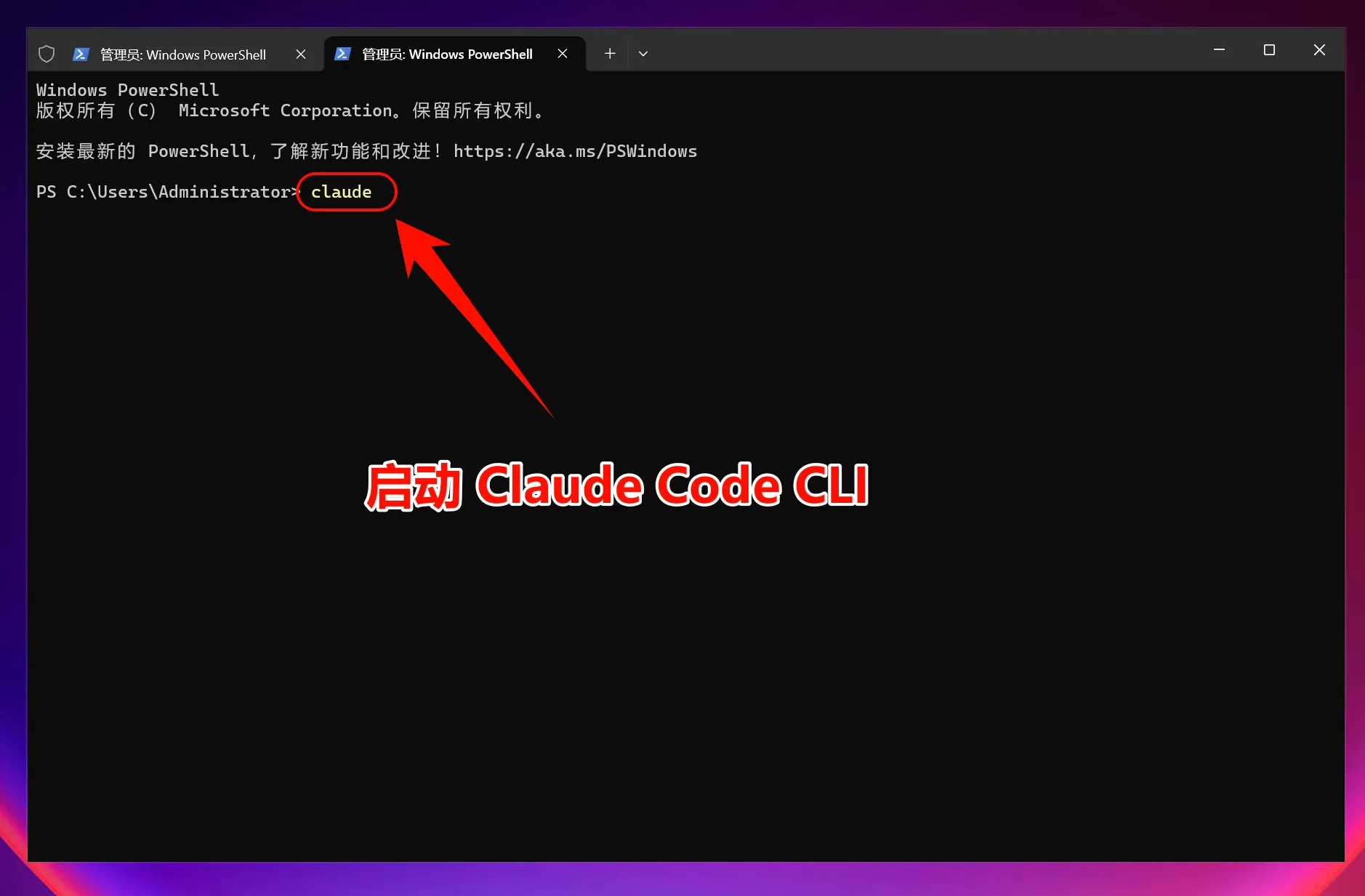
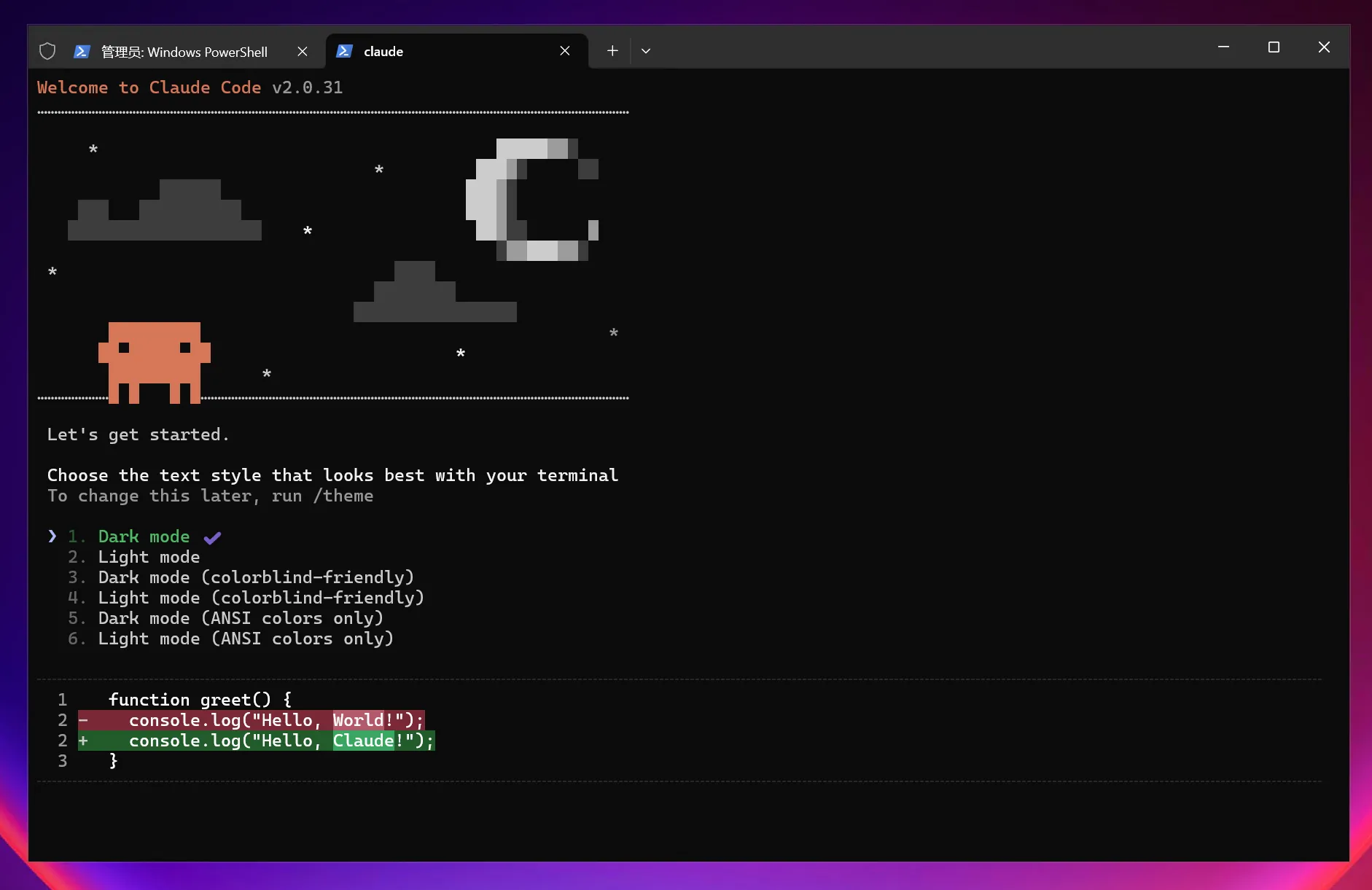
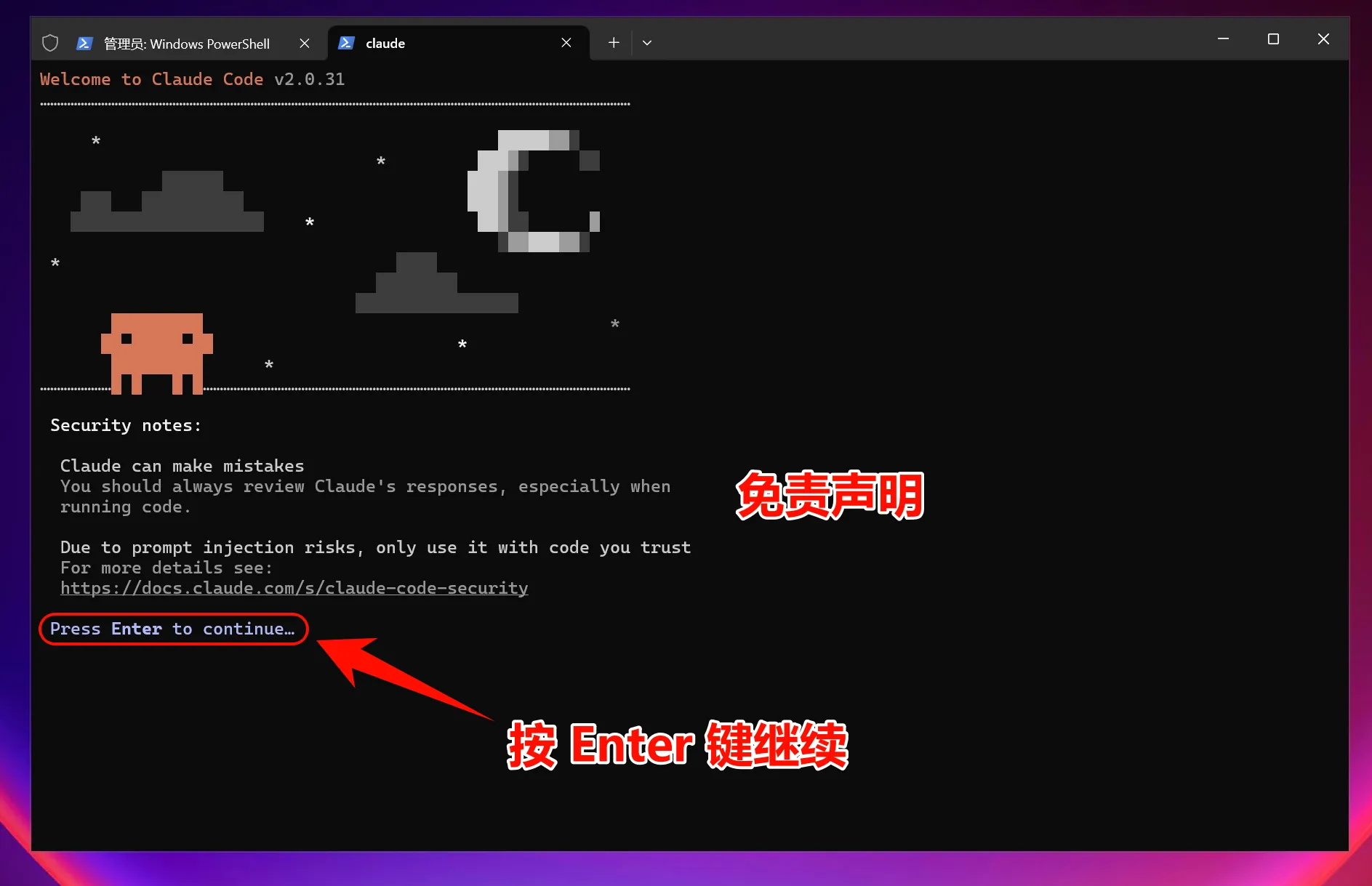
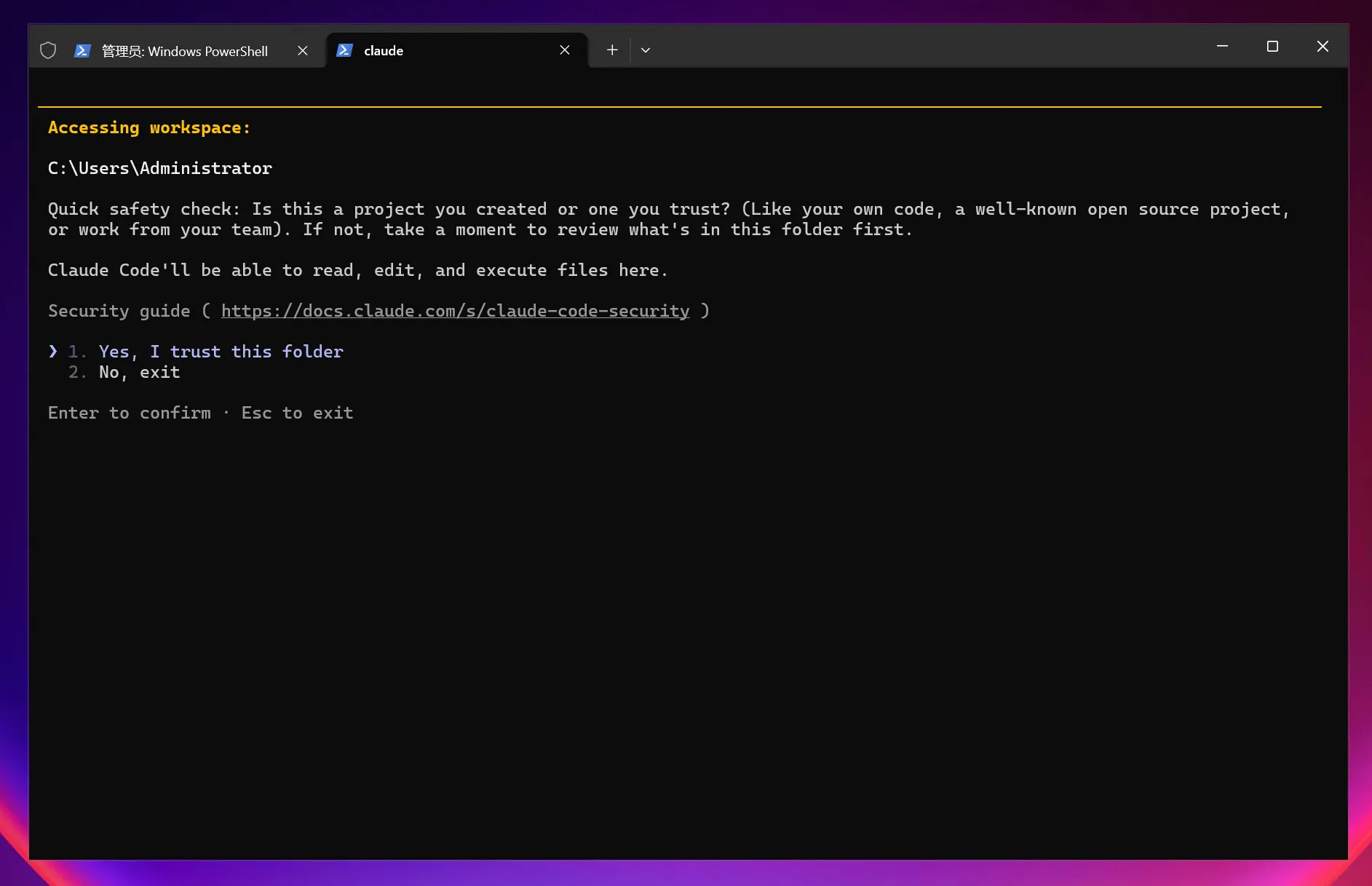
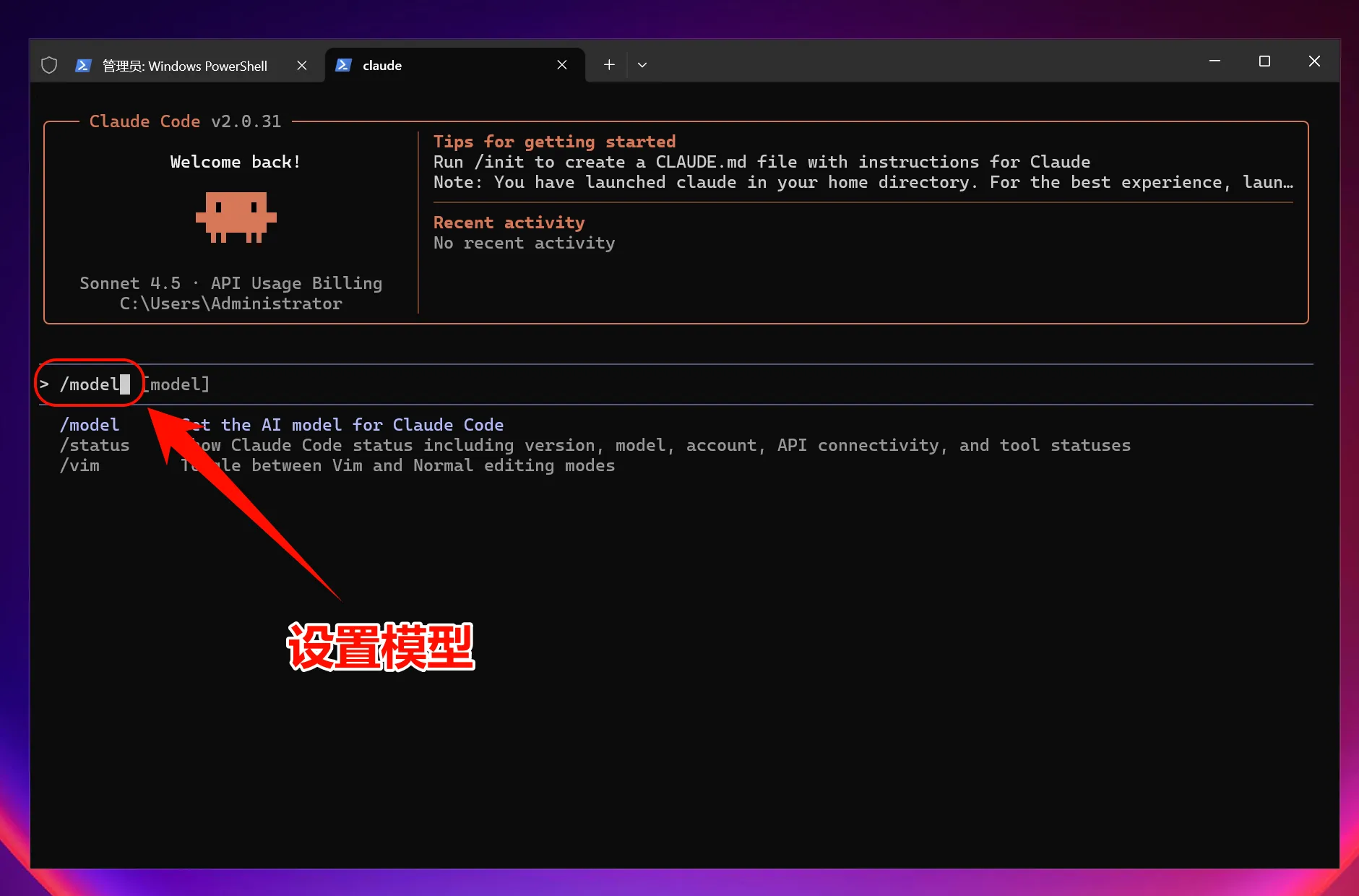
Select Model
Enter the command:
/modelPress Enter to select the model; usually, the default settings are sufficient.
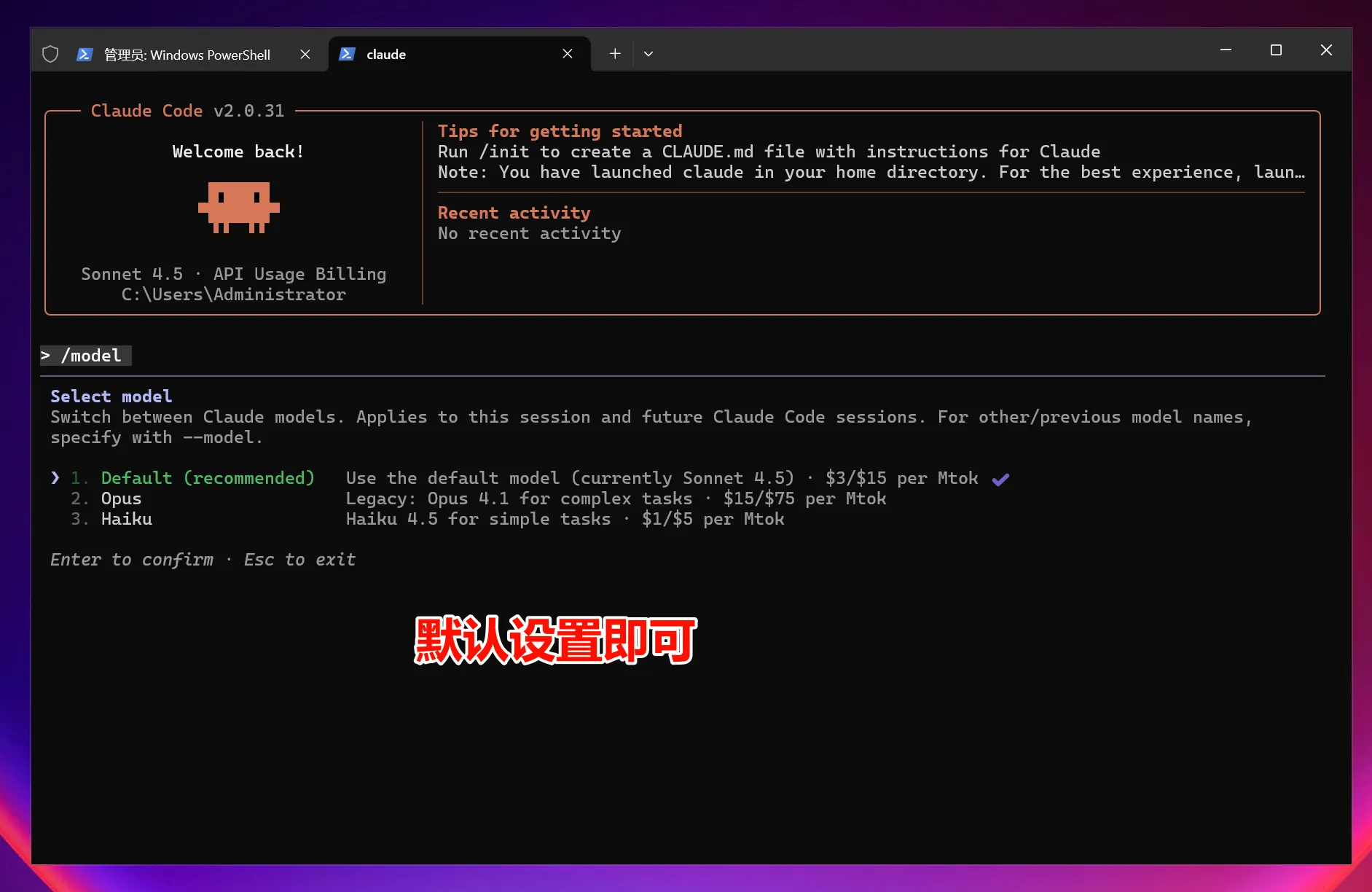
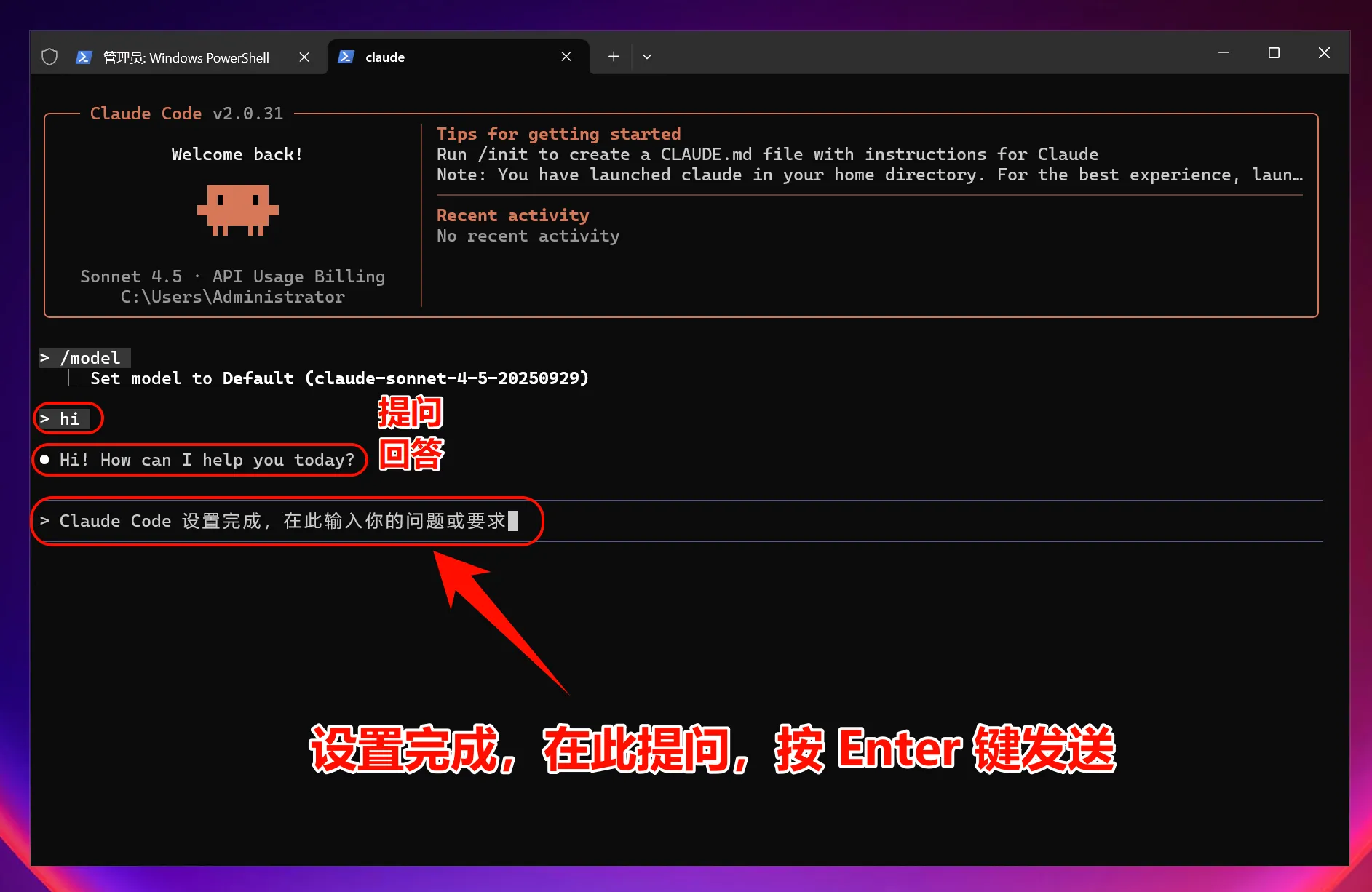
Note: After setting and modifying environment variables, all models used (including official preset models) will call the custom access point and will not consume official account Quota.
macOS Graphical Guide
1. Install Claude Code CLI
Open Terminal
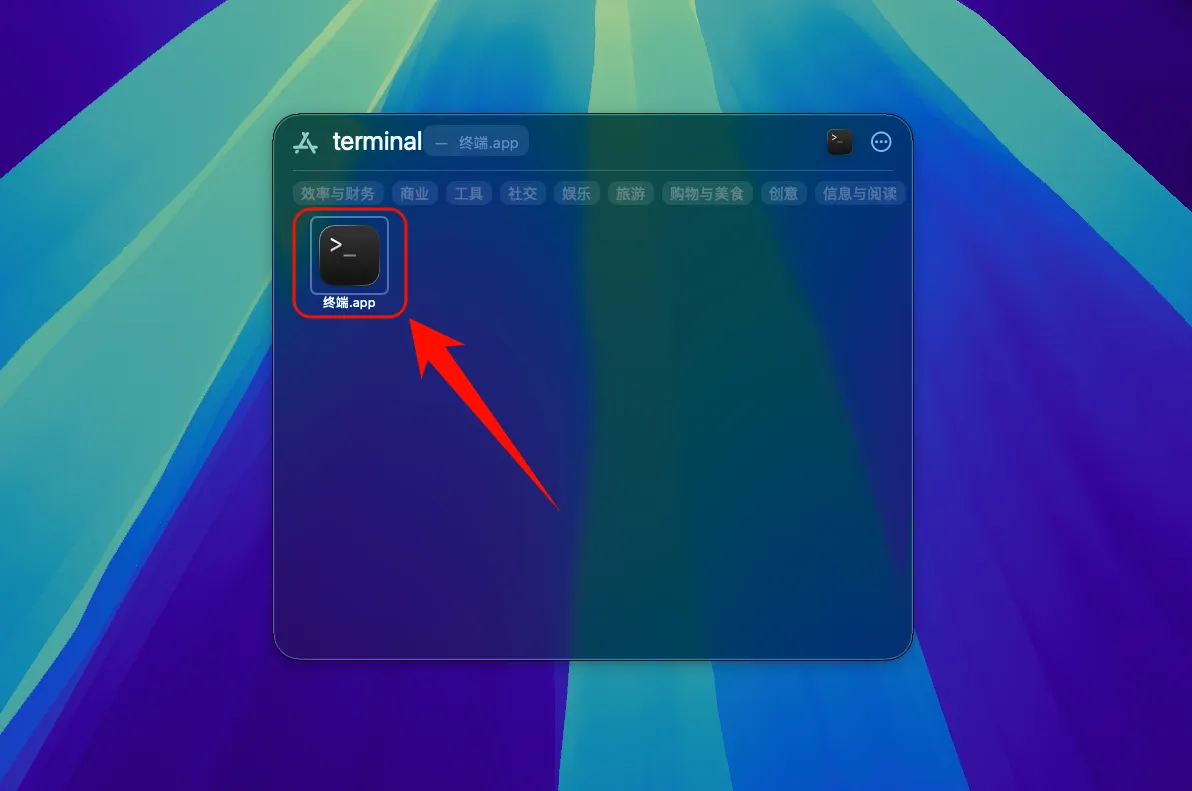
Install Claude Code
Open Terminal and run the following command:
curl -fsSL https://claude.ai/install.sh | bashOptional: Run the provided command if prompted
echo 'export PATH="$HOME/.local/bin:$PATH"' >> ~/.bashrc && source ~/.bashrc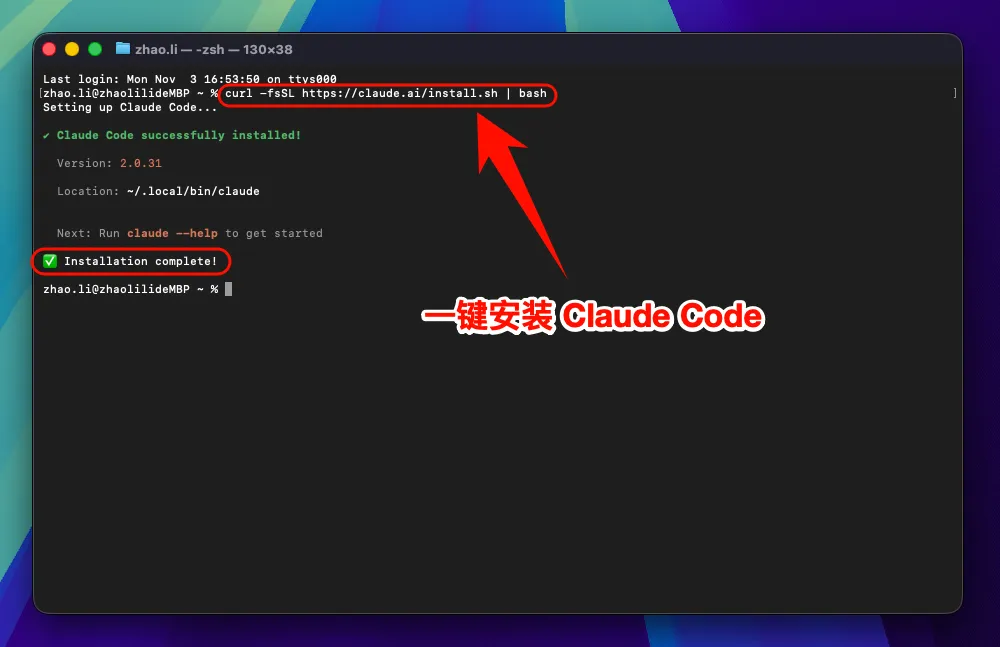
2. Set Environment Variables
To allow Claude Code to connect to a third-party service, you need to set environment variables:
One-Click Setup for Claude Code Environment Variables
Enter the command:
curl -fsSL https://raw.githubusercontent.com/QuantumNous/zipflow-docs/refs/heads/main/helper/claude-cli-setup.sh | bash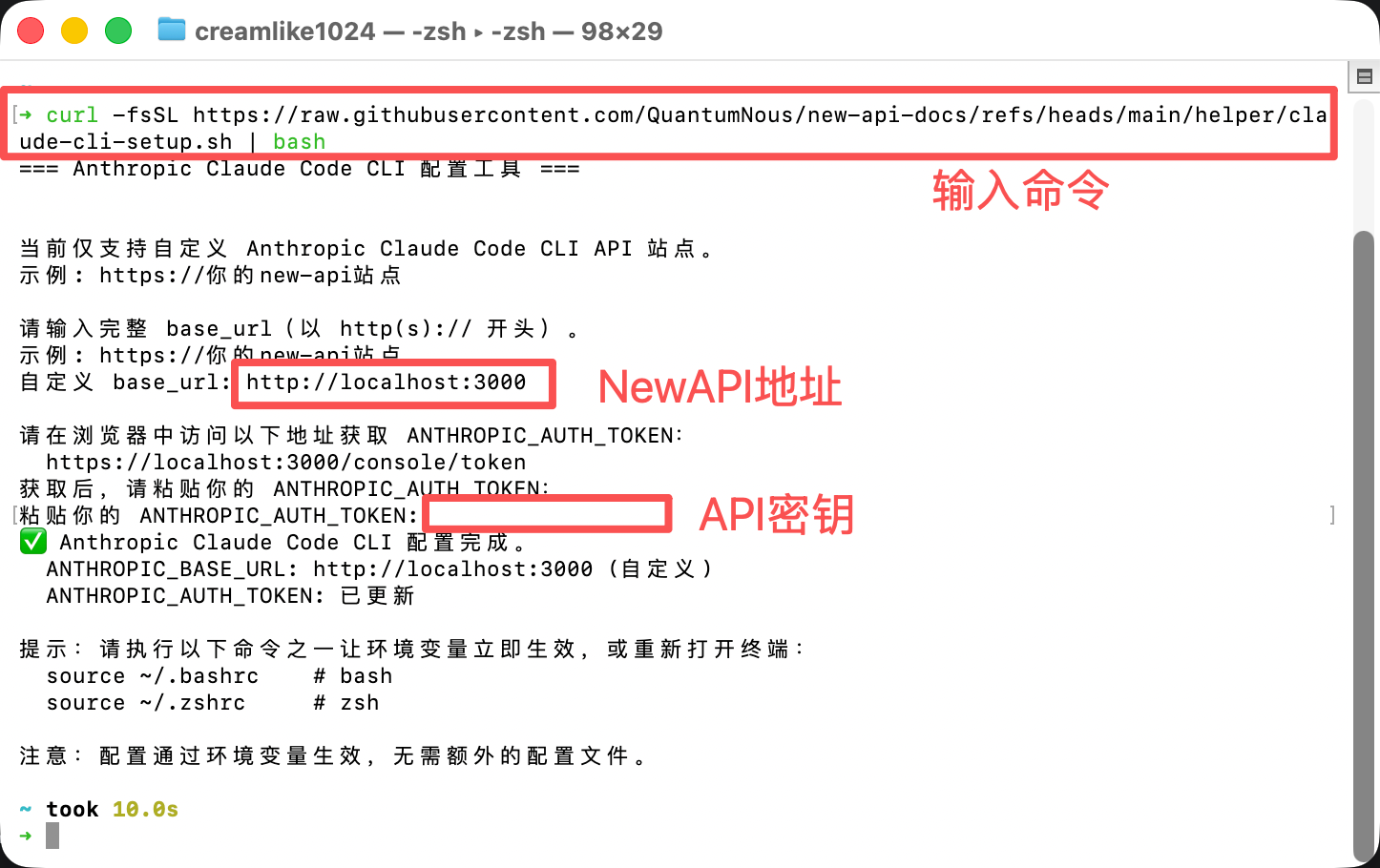
Verify Claude Code Installation
After installation is complete, enter the following command to check if the installation was successful:
claude --versionIf the version number is displayed, congratulations! Claude Code has been successfully installed.
3. Start Using Claude Code
You can now start using Claude Code!
Launch Claude Code
Launch Claude Code directly:
# 启动 Claude Code
claudeTo use in a specific project:
# 进入你的项目目录
cd /path/to/your/project# 启动 Claude Code
claude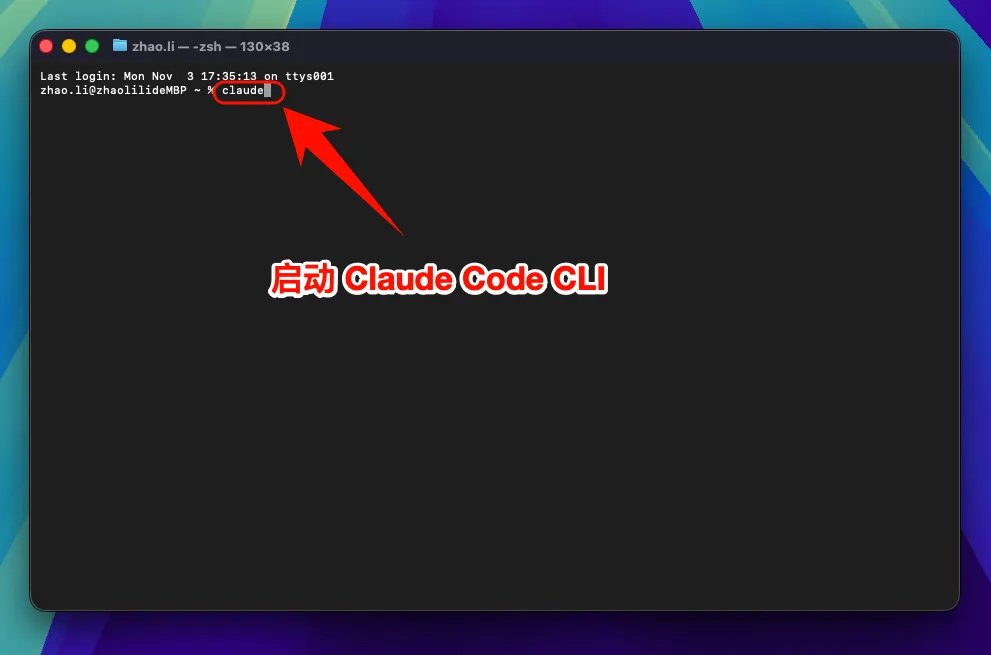
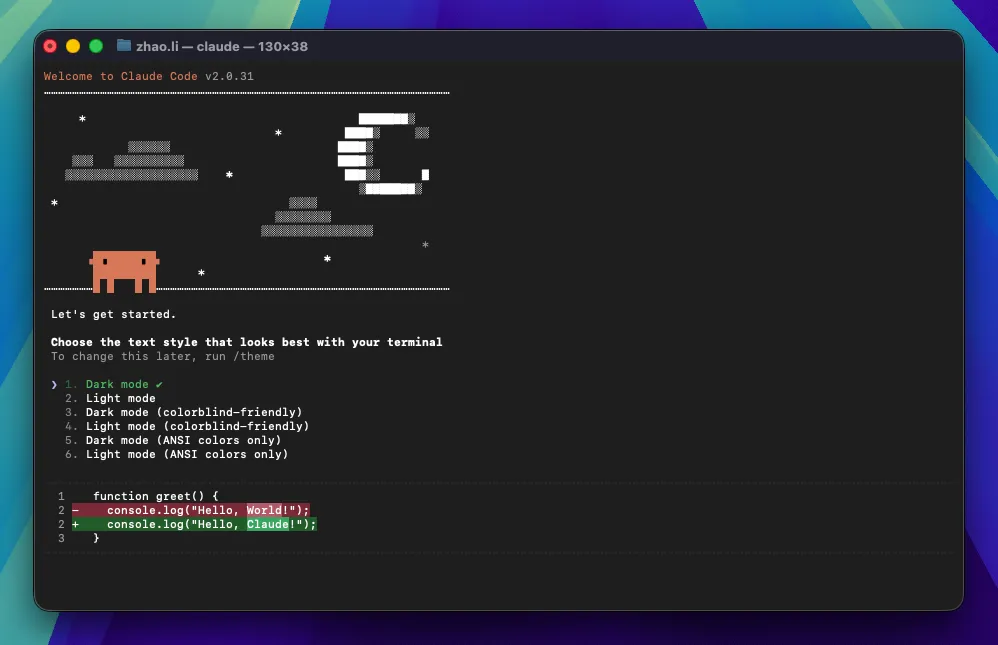
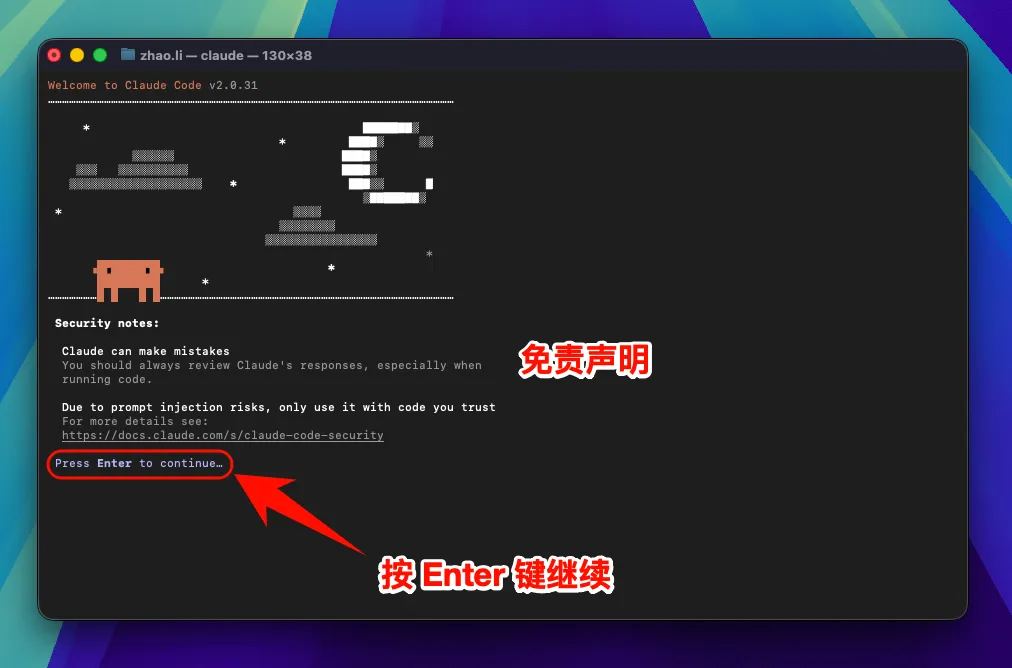
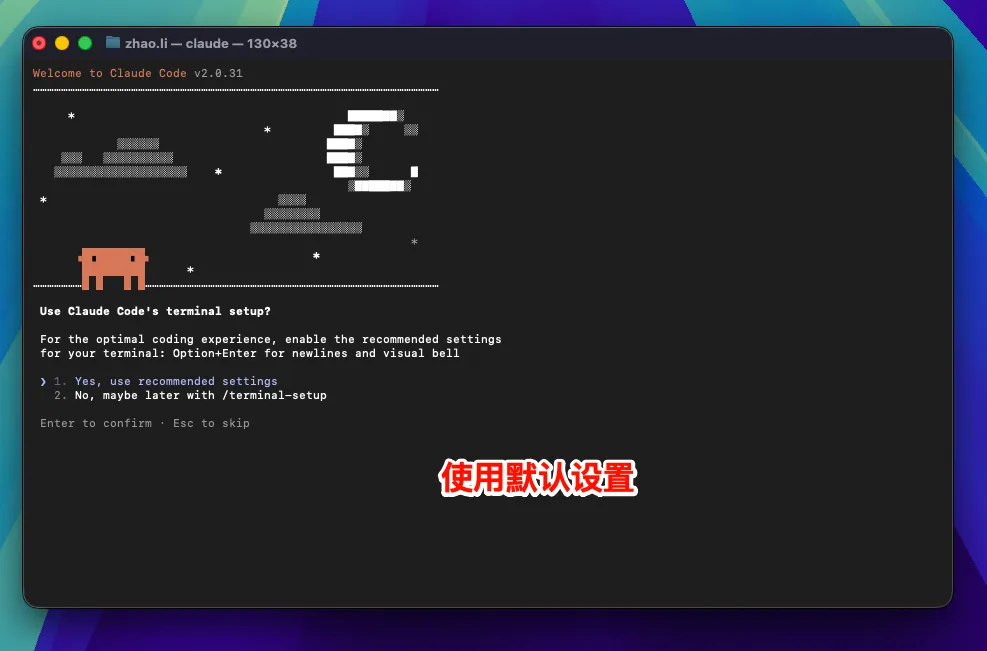
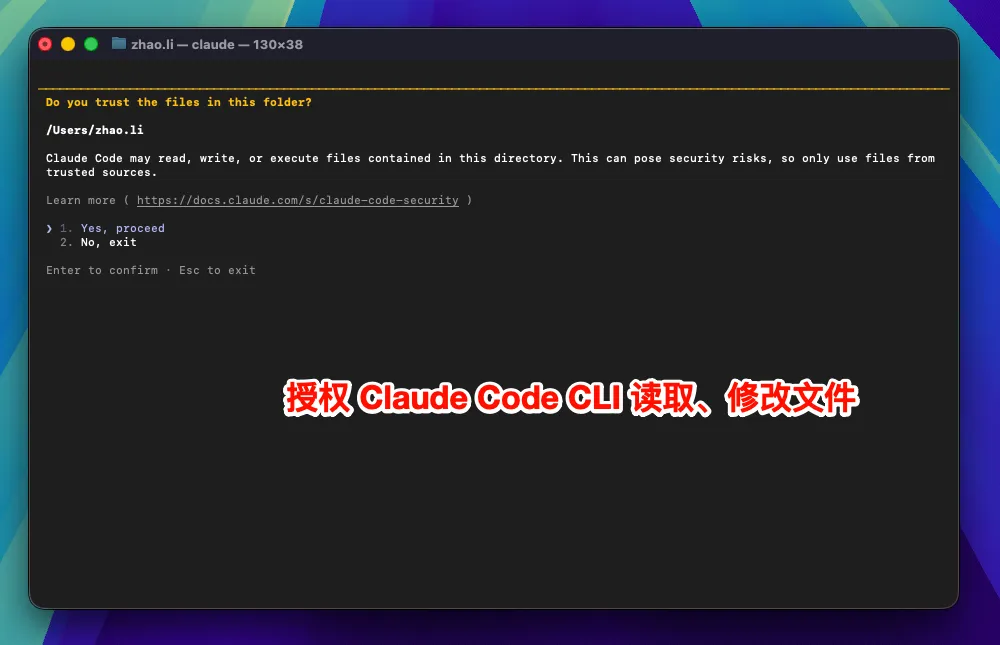
Select Model (Optional)
Enter the command:
/modelPress Enter to select the official model; usually, the default model is sufficient
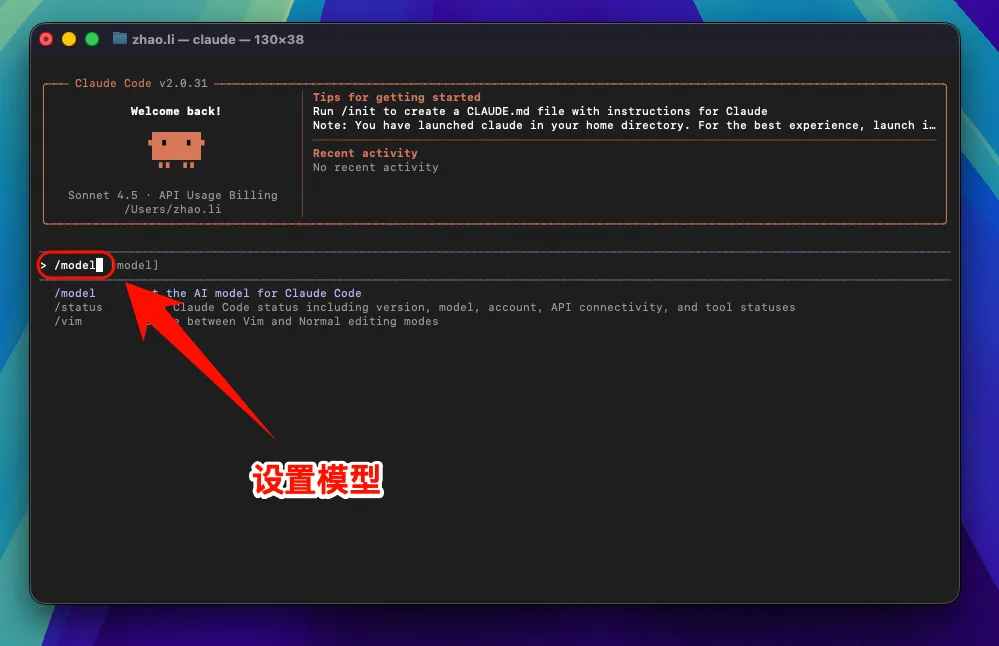
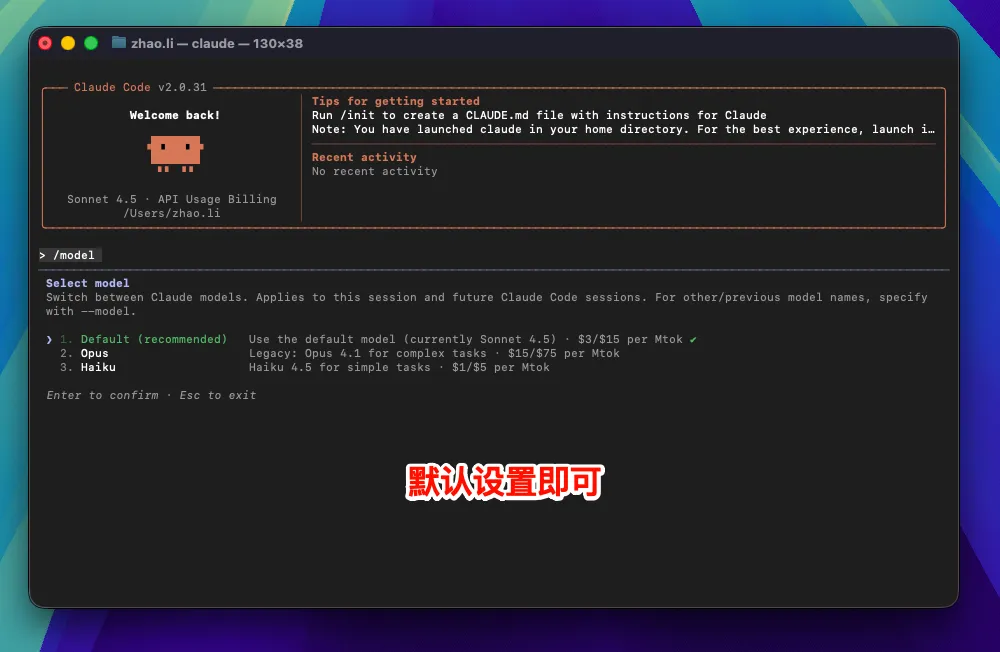
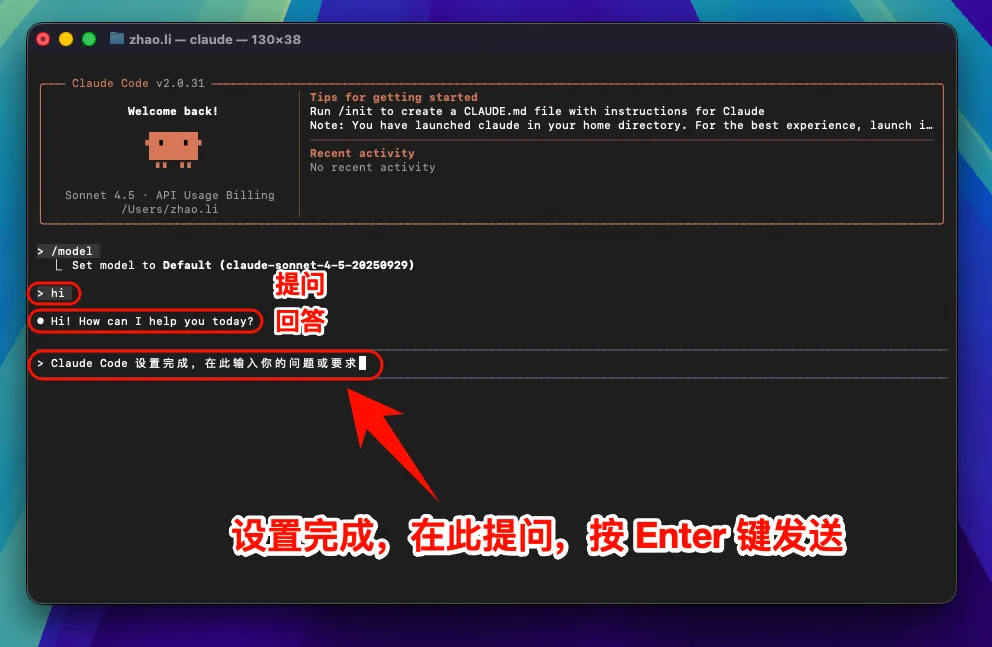
Note: After setting and modifying the environment variable
ANTHROPIC_BASE_URL, all models used (including official preset models) will call the custom access point and will not consume official account Quota.
6. macOS Common Issues Resolution
??? example "macOS Security Settings Block Execution" If the system prevents Claude Code from running:
- Open "System Preferences" → "Security & Privacy"
- Click "Open Anyway" or "Allow"
- Or run in
Terminal:sudo spctl --master-disable
Linux Graphical Guide
1. Install Claude Code
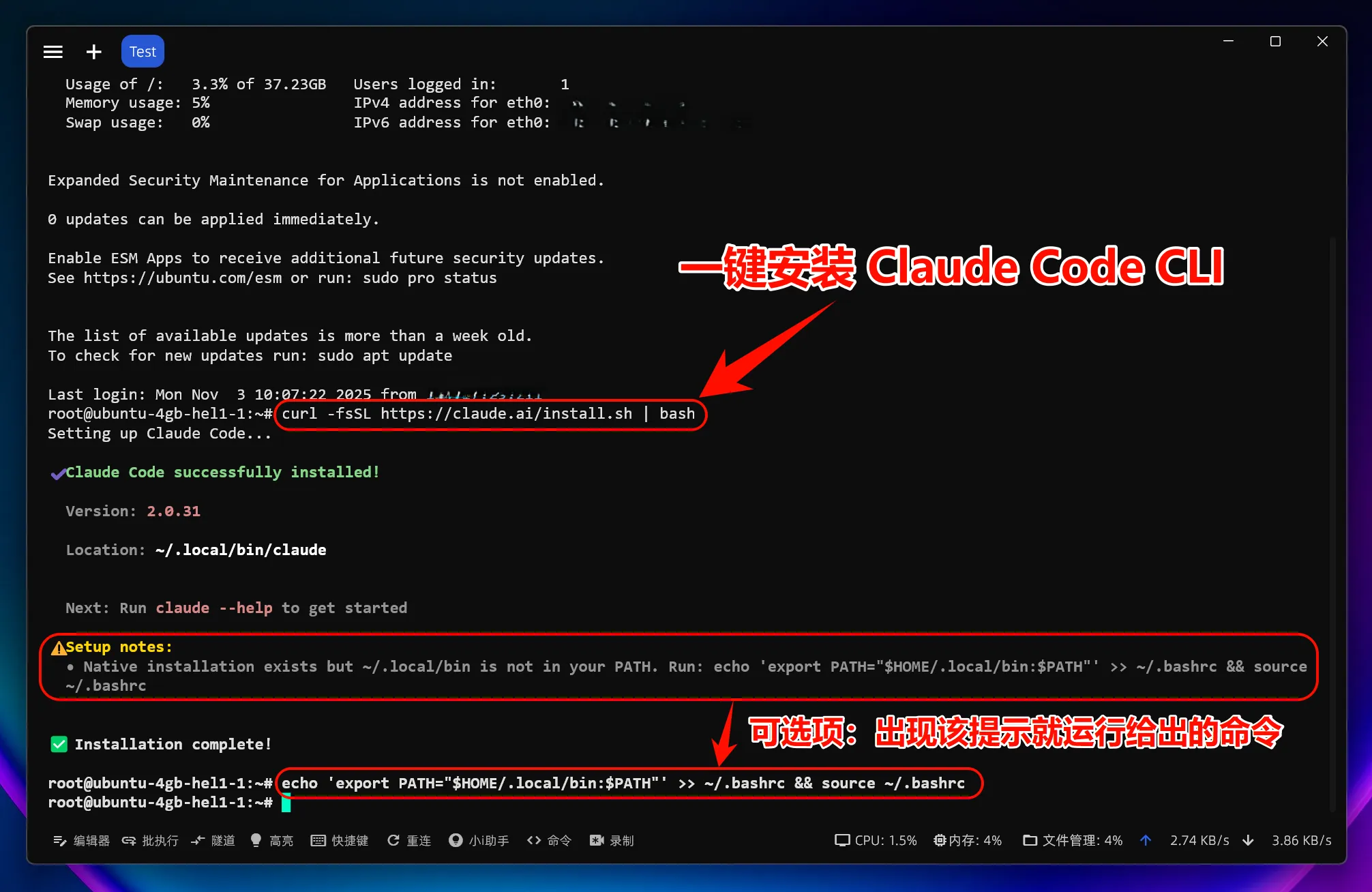
Install Claude Code
Open Terminal and run the following command:
curl -fsSL https://claude.ai/install.sh | bashIf you encounter permission issues, you can use sudo:
sudo curl -fsSL https://claude.ai/install.sh | bash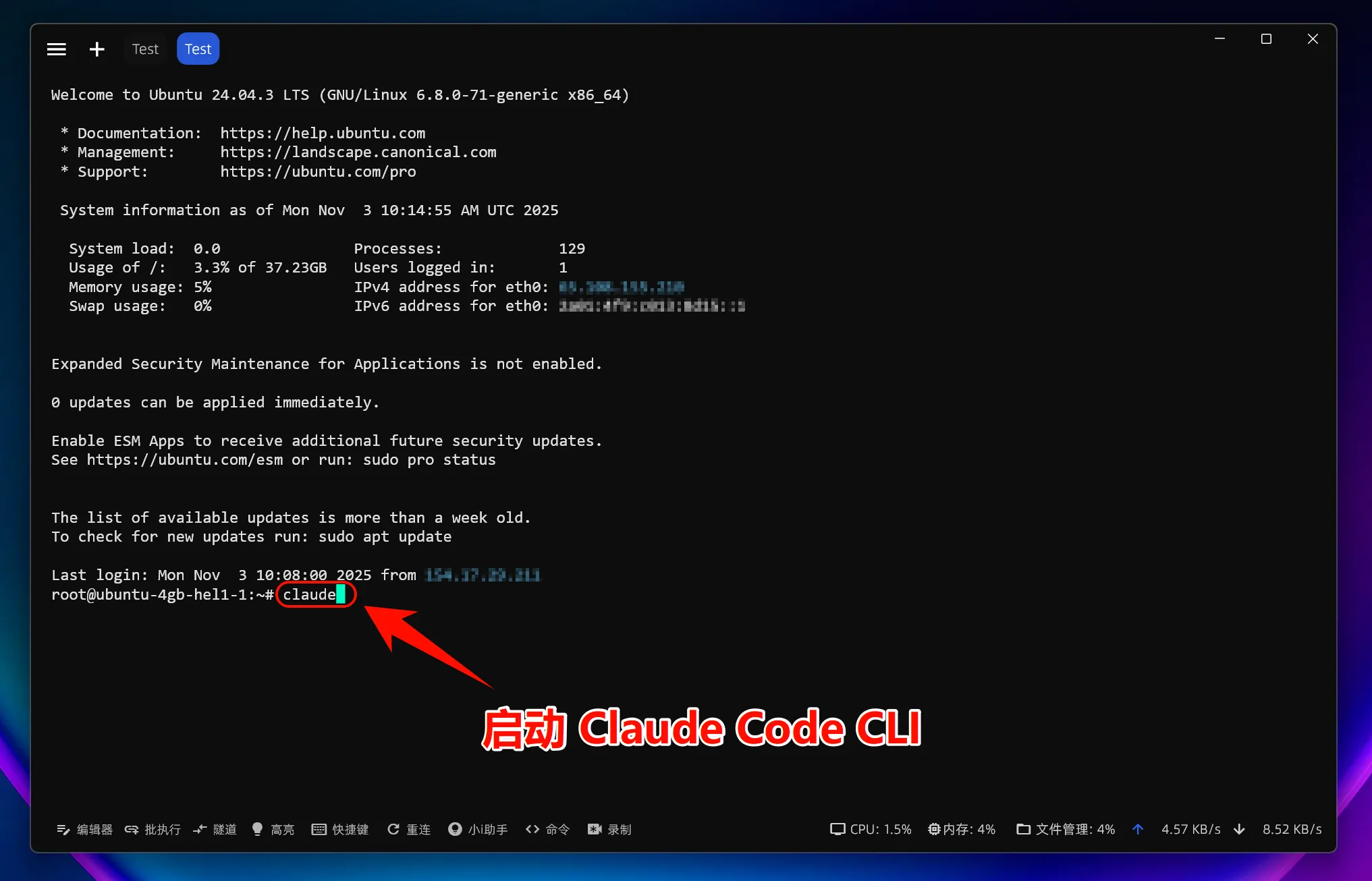
Verify Claude Code Installation
After installation is complete, enter the following command to check if the installation was successful:
claude --versionIf the version number is displayed, congratulations! Claude Code has been successfully installed.
2. Set Environment Variables
To allow Claude Code to connect to your service, you need to set two environment variables:
One-Click Environment Variable Modification
Enter the command:
curl -fsSL https://raw.githubusercontent.com/QuantumNous/zipflow-docs/refs/heads/main/helper/claude-cli-setup.sh | bash
4. Start Using Claude Code
You can now start using Claude Code!
Launch Claude Code
Launch Claude Code directly:
# 启动 Claude Code
claude
To use in a specific project:
# 进入你的项目目录
cd /path/to/your/project
# 启动 Claude Code
claude
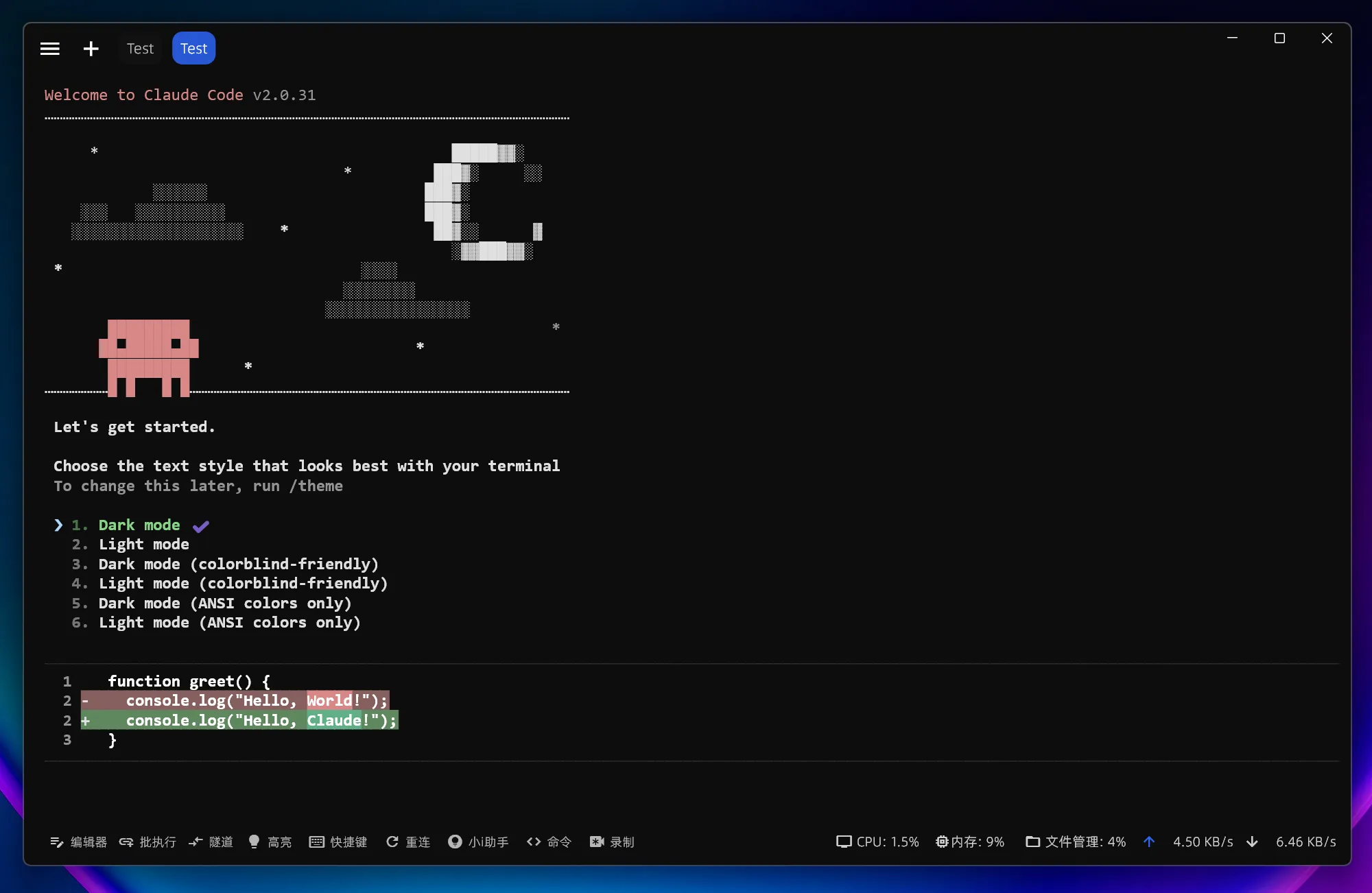
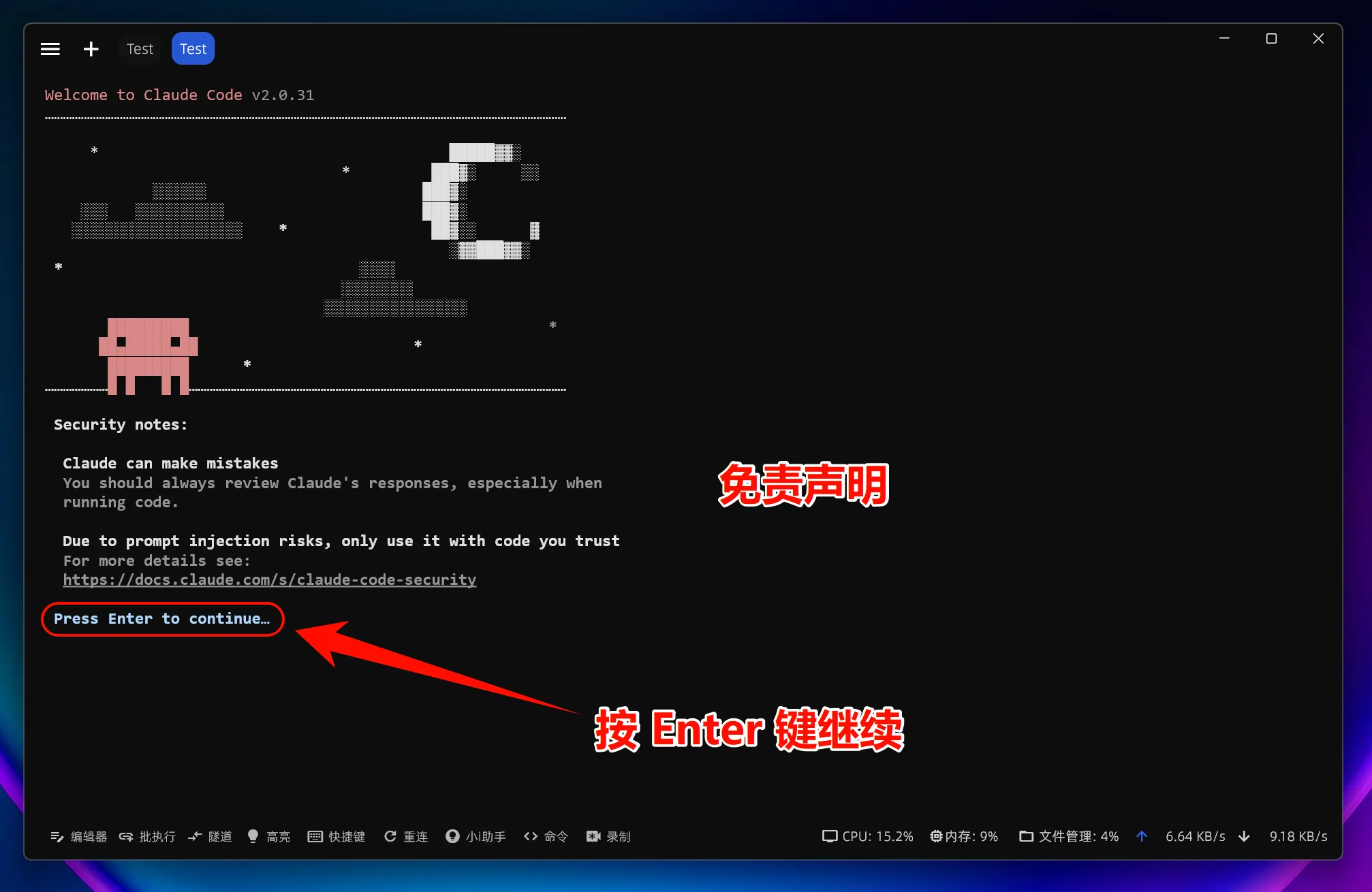
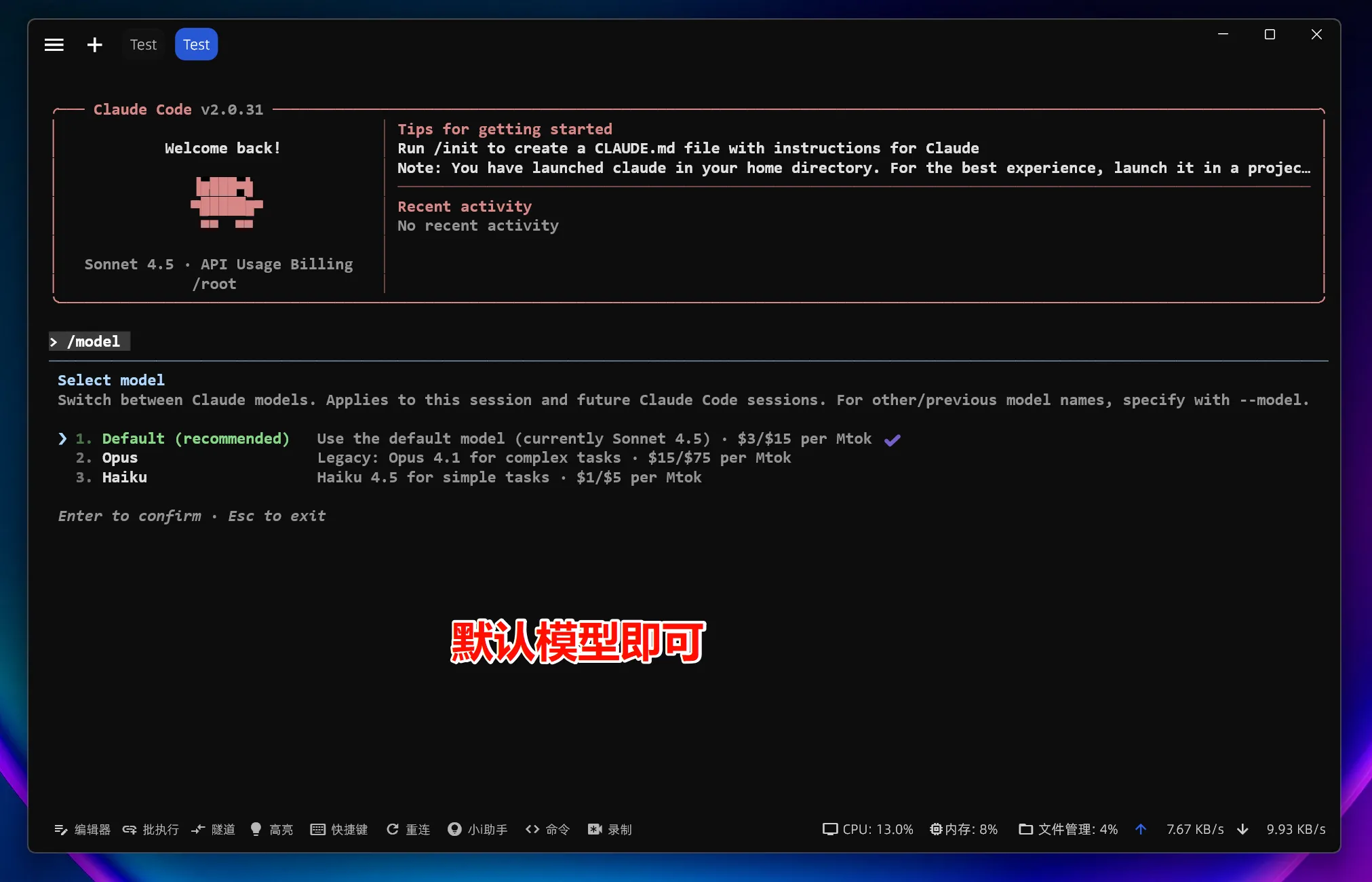
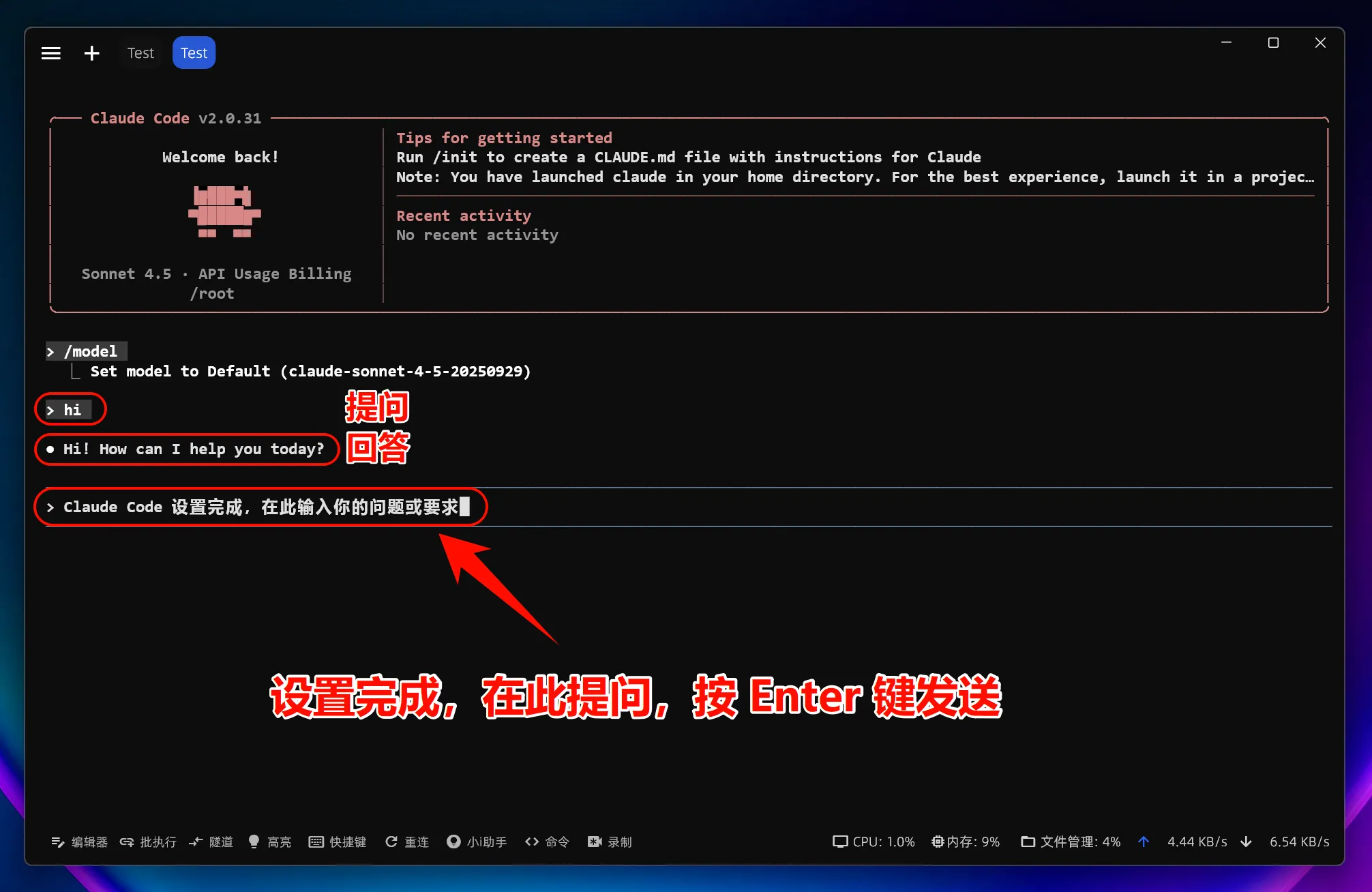
Select Model
Enter the command:
/modelPress Enter to select the official model; usually, the default model is sufficient
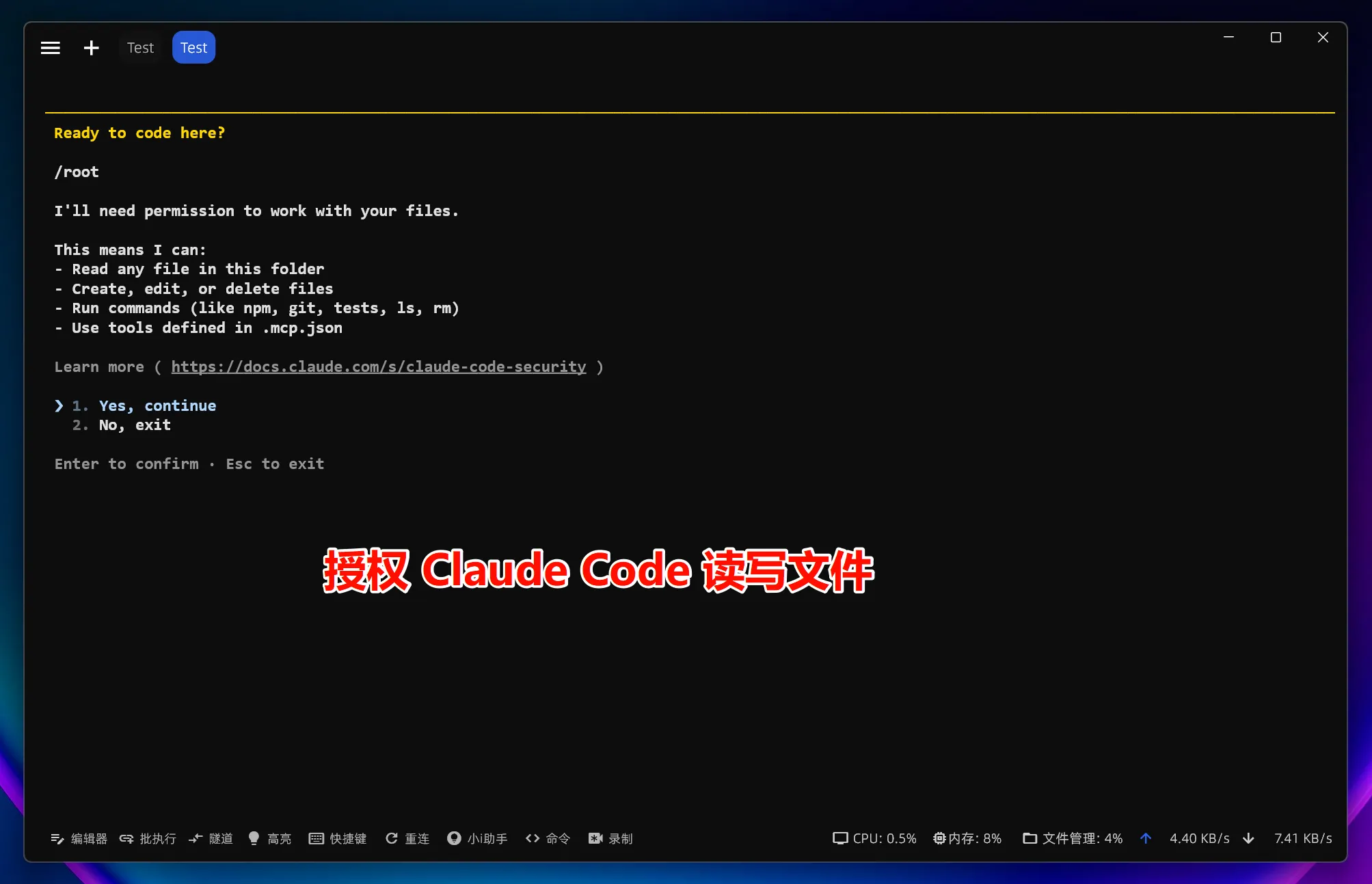
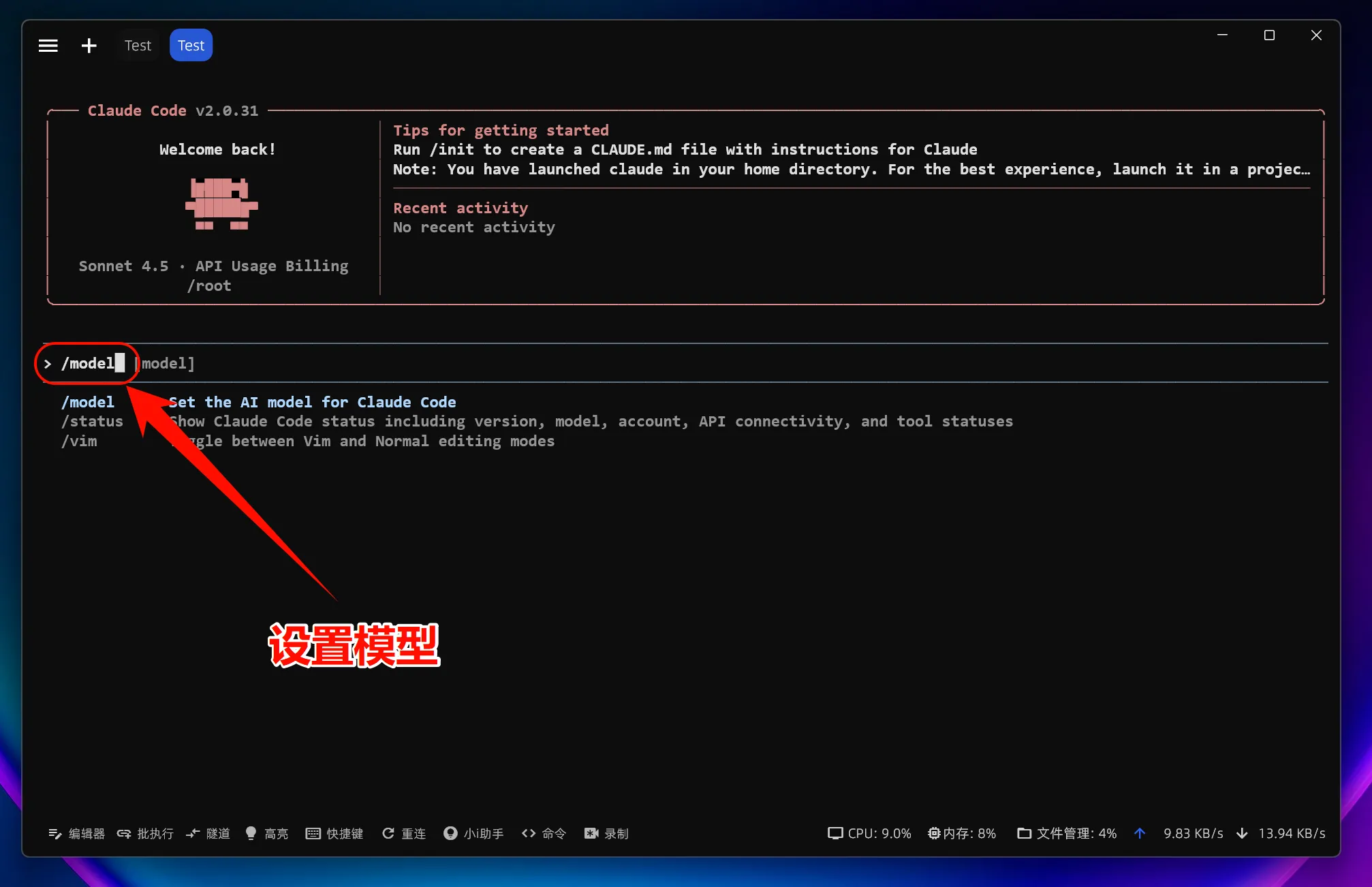
Note: After setting and modifying the environment variable
ANTHROPIC_BASE_URL, all models used (including official preset models) will call the custom access point and will not consume official account Quota.
5. Linux Common Issues Resolution
??? example "Missing Dependency Libraries" Some Linux distributions require the installation of additional dependencies:
# Ubuntu/Debian
sudo apt install build-essential
# CentOS/RHEL
sudo dnf groupinstall "Development Tools"??? example "Environment Variables Not Taking Effect" Check the following points:
- Confirm that the correct configuration file (
.bashrcor.zshrc) was modified - Restart the terminal or run
source ~/.bashrc - Verify settings:
echo $ANTHROPIC_BASE_URL